
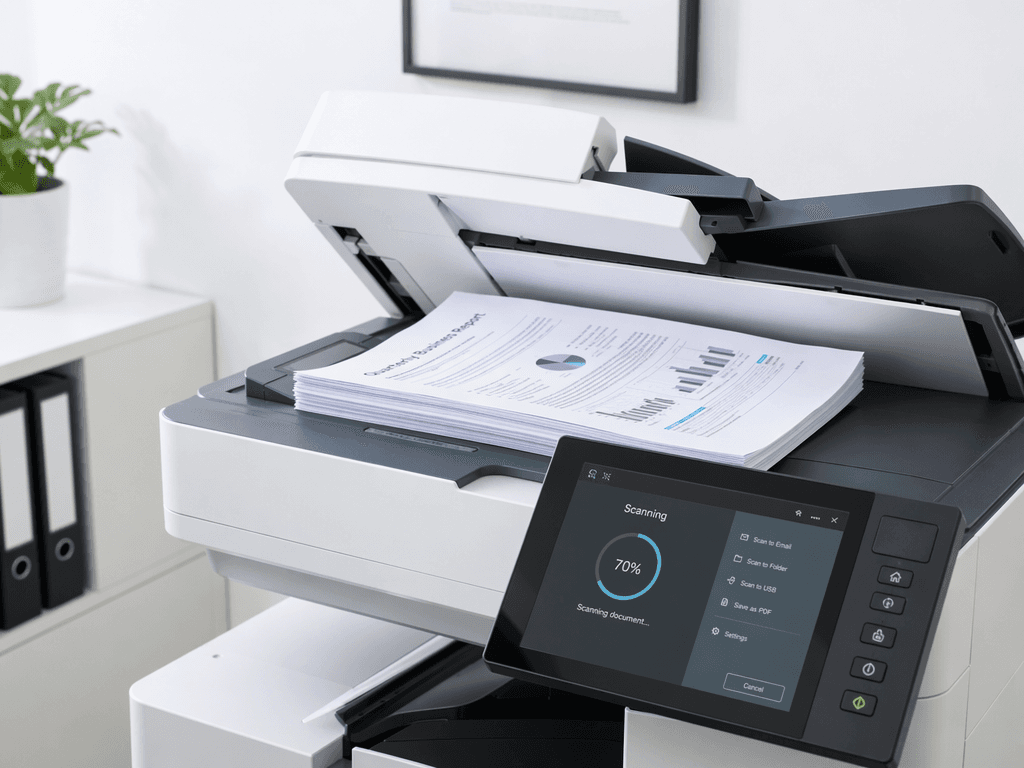
Optimize Document Archiving: Best Scan Settings for Copiers
Introduction
Archiving important documents is crucial for businesses, ensuring easy retrieval and long-term preservation. Using your photocopier for scanning can be an efficient solution, but selecting the right settings is key to achieving optimal results. This guide will walk you through the best practices for scanning documents for archival purposes.
Main Discussion
- Resolution (DPI): For most text-based documents, 300 DPI is the standard for archiving. This resolution provides a good balance between image clarity and file size, ensuring text is legible without creating excessively large files. For very detailed graphics or photographs, you might consider 600 DPI, but this significantly increases file size.
- Color Mode: For standard documents, 'Grayscale' is usually sufficient and results in smaller file sizes than 'Color'. If your documents contain color charts, signatures, or important color-coded information, then 'Color' mode is necessary. Avoid 'Black and White' (1-bit) as it can lead to loss of detail and poor text rendering.
- File Format: PDF is the most recommended format for archiving documents. It's a universal standard, preserves formatting, and can often be searched if created as a searchable PDF (often an option in advanced copier settings). TIFF is another lossless option, excellent for image quality but results in larger files. JPEG is generally not recommended for archiving due to its lossy compression, which can degrade quality over time.
- Compression: When saving as PDF, choose 'ZIP' or 'LZW' compression if available. These are lossless compression methods that reduce file size without sacrificing image quality. Avoid 'JPEG' compression for PDFs if preserving original quality is paramount.
- Document Feeder vs. Flatbed: For multi-page documents, the Automatic Document Feeder (ADF) is faster. However, for fragile or bound documents, the flatbed scanner offers better control and prevents damage. Ensure the ADF is clean and paper is fed straight to avoid skewed scans.
Why It Matters
In Pakistan's dynamic business environment, efficient record-keeping is vital. Proper document archiving ensures compliance with regulations, facilitates quick access to information for audits or client requests, and safeguards against physical document degradation. Utilizing your photocopier's scanning capabilities with the correct settings saves time, reduces storage space, and ensures the longevity of your critical business data.
Contact
Contact us: +92 332 2805280
Follow Us on TikTok
Check out our latest videos, product demos, and behind-the-scenes content
Follow Us on Facebook
Stay updated with our latest news and community updates