
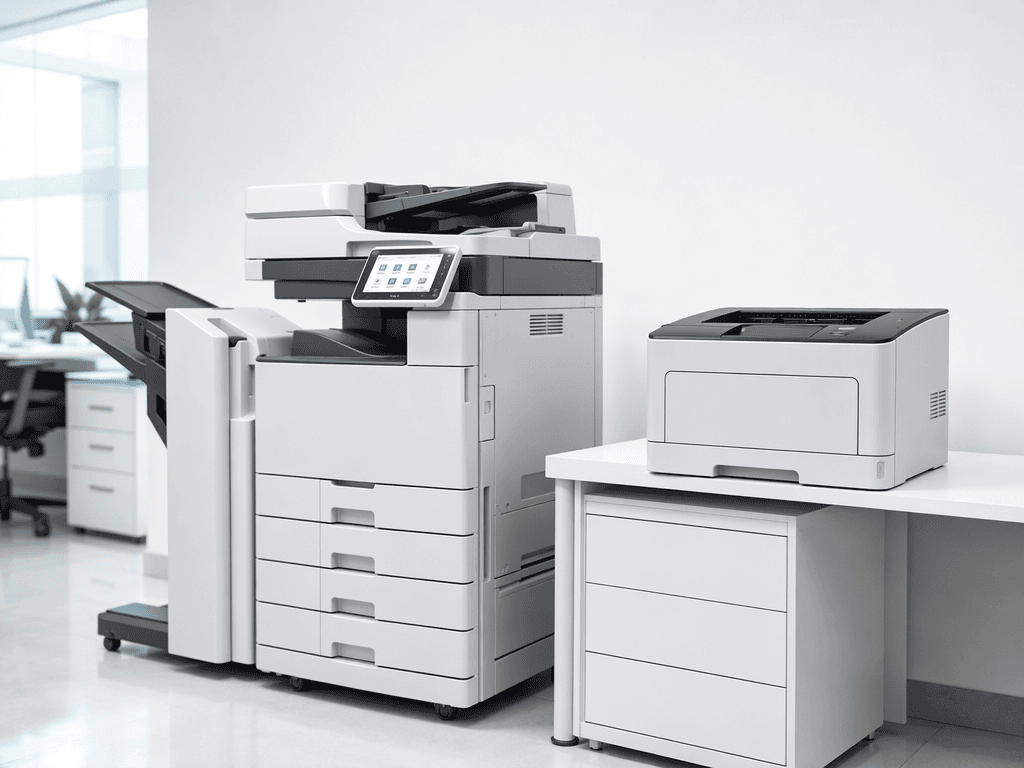
Avoid Costly Repairs: Common Mistakes Damaging Your Office Equipment
Introduction
In today's fast-paced business environment, reliable office equipment is the backbone of productivity. Photocopiers and printers are essential tools, yet they are often subjected to practices that unknowingly shorten their lifespan and lead to expensive repairs. Understanding these common mistakes is the first step towards maintaining operational efficiency and safeguarding your investment.
Main Discussion
1. Using Incorrect Consumables
Employing non-OEM (Original Equipment Manufacturer) toner cartridges, incompatible ink, or the wrong type/weight of paper is a frequent culprit. For photocopiers, this can lead to toner leakage, fuser unit damage, and poor print quality. For printers, it can cause printhead clogs, inconsistent color output, and premature wear of internal components, ultimately compromising the machine's longevity and performance.
2. Neglecting Regular Maintenance
Failing to clean dust from vents, not replacing worn-out rollers, or ignoring routine service alerts can severely impact equipment. Dust accumulation causes overheating and circuit board failures in both photocopiers and printers. Worn rollers lead to frequent paper jams and misfeeds, while unaddressed error codes can escalate minor issues into major, costly malfunctions.
3. Overloading and Improper Handling
Exceeding paper tray capacity, forcing paper trays, or roughly opening/closing covers puts undue stress on the machinery. Overloading strains paper feed mechanisms, causing jams and misalignments. Rough handling can break delicate plastic parts, sensors, or hinges, leading to operational failures and requiring significant repair or replacement of components.
4. Ignoring Environmental Factors
Placing equipment in dusty areas, direct sunlight, high humidity, or poorly ventilated spaces significantly reduces its lifespan. High temperatures can degrade electronic components and toner. Humidity causes paper to curl, leading to jams, and can affect electrical circuits. Dust is a primary enemy, causing friction, electrical shorts, and impeding airflow.
5. Improper Shutdown Procedures
Abruptly unplugging or powering off machines without following the proper shutdown sequence can be detrimental. This can corrupt firmware, damage hard drives (in advanced photocopiers), and cause components to wear out prematurely due to sudden power loss, especially for devices that perform internal calibration or cleaning cycles upon shutdown.
Why It Matters
For businesses and offices across Pakistan, uninterrupted operations are crucial. Equipment downtime due to preventable damage translates directly into lost productivity, missed deadlines, and unexpected repair costs. Given the investment in quality photocopiers and printers, proactive maintenance and correct usage are not just best practices; they are essential for long-term financial health and operational stability. Ensuring your equipment runs smoothly helps avoid the hassle of sourcing parts or technicians, which can sometimes be time-consuming in certain regions.
Contact
Contact us: +92 332 2805280
Follow Us on TikTok
Check out our latest videos, product demos, and behind-the-scenes content
Follow Us on Facebook
Stay updated with our latest news and community updates