
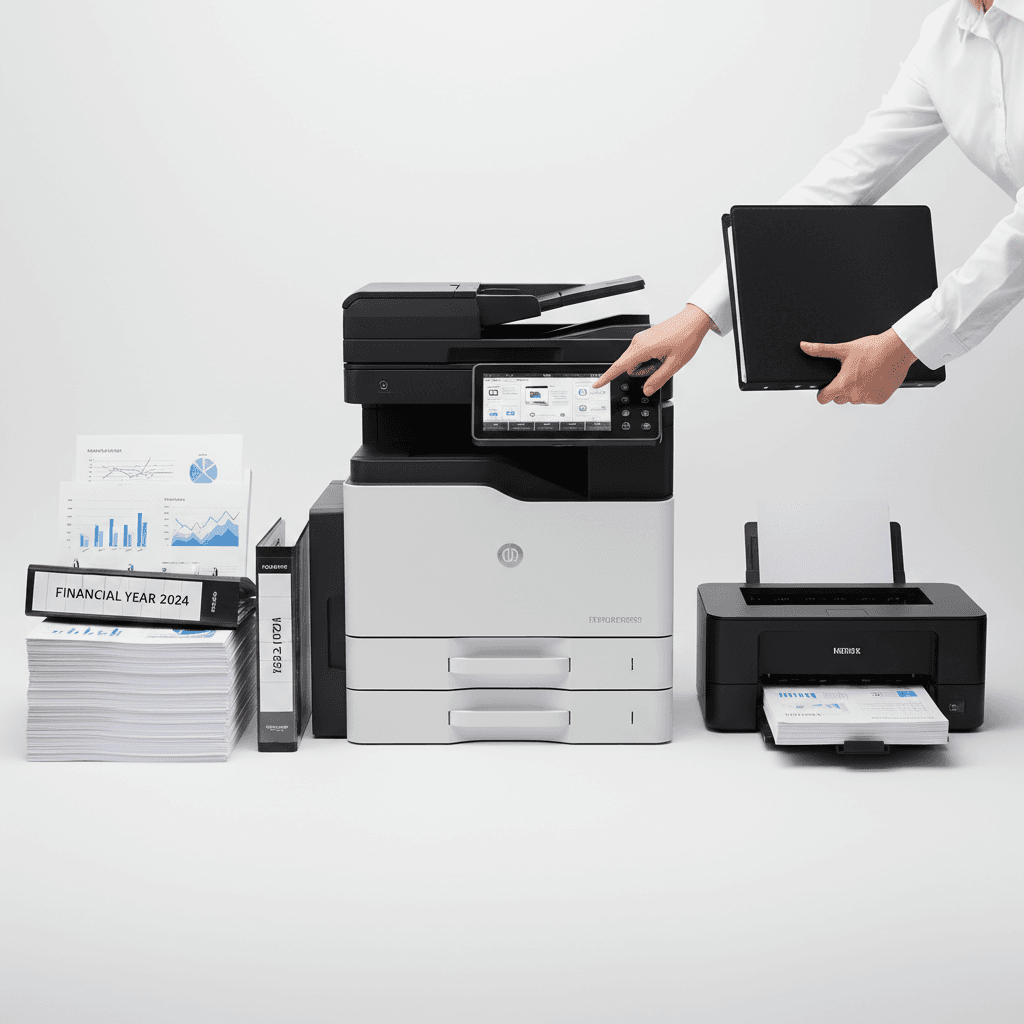
Boost Efficiency: Photocopier Tips for Finance & Accounts Teams in 2026
Introduction
In the fast-paced world of finance and accounting, efficiency and accuracy are paramount. Finance departments and accounts teams in Pakistan handle a constant flow of sensitive documents, from invoices and receipts to audit reports and financial statements. Optimizing your photocopier usage can significantly streamline these critical operations, ensuring data integrity and boosting overall productivity.
Main Discussion
1. Prioritize Document Security Features
For finance and accounts teams, data security is non-negotiable. Utilize your photocopier's advanced security features such as user authentication (PIN, card readers), secure print release, and data encryption. Ensure that hard drives within the copier are wiped or encrypted to prevent unauthorized access to sensitive financial data that might be temporarily stored during operations. This is crucial for protecting client information and company financials.
2. Implement Cost-Saving Strategies
Financial departments are inherently focused on cost control. Leverage features like duplex printing to save paper, toner-saver modes, and print quotas to manage usage. Many modern photocopiers offer detailed usage reports, allowing you to track printing costs per department or user, helping identify areas for optimization and budget adherence. Consider using high-yield toner cartridges for better cost-per-page efficiency.
3. Streamline Workflow with Digital Document Management
Move beyond physical paper trails. Utilize your photocopier's scanning capabilities to digitize invoices, receipts, and reports directly to email, network folders, or cloud storage. Features like Optical Character Recognition (OCR) can convert scanned documents into editable and searchable files, drastically reducing manual data entry and improving accessibility for audits and financial analysis. This accelerates approval processes and reduces physical storage needs.
4. Regular Maintenance and Genuine Supplies
Uninterrupted operation is vital during peak financial periods. Establish a schedule for regular photocopier maintenance to prevent breakdowns and ensure consistent print quality. Always use genuine toner cartridges and parts recommended by the manufacturer. This not only extends the lifespan of your machine but also ensures optimal performance and prevents costly repairs or print quality issues that could impact critical financial documents.
5. Leverage Multi-Functional Device (MFD) Capabilities
Modern photocopiers are often Multi-Functional Devices (MFDs) that combine printing, scanning, copying, and even faxing into one unit. For finance teams, this consolidation saves space and reduces equipment costs. Train your team to fully utilize all MFD features, from batch scanning multiple documents into a single PDF to using document feeders for high-volume copying, thereby maximizing efficiency across various financial tasks.
Why It Matters
For businesses and offices across Pakistan, these photocopier tips are not just about convenience; they are about operational resilience and financial prudence. Efficient document handling reduces errors, enhances compliance with local regulations, and protects sensitive financial data from unauthorized access. Investing in proper usage and maintenance of your photocopier translates directly into cost savings, improved audit readiness, and a more secure financial environment, ultimately contributing to your business's bottom line and reputation in the competitive Pakistani market.
Contact
Contact us: +92 332 2805280
Follow Us on TikTok
Check out our latest videos, product demos, and behind-the-scenes content
Follow Us on Facebook
Stay updated with our latest news and community updates