
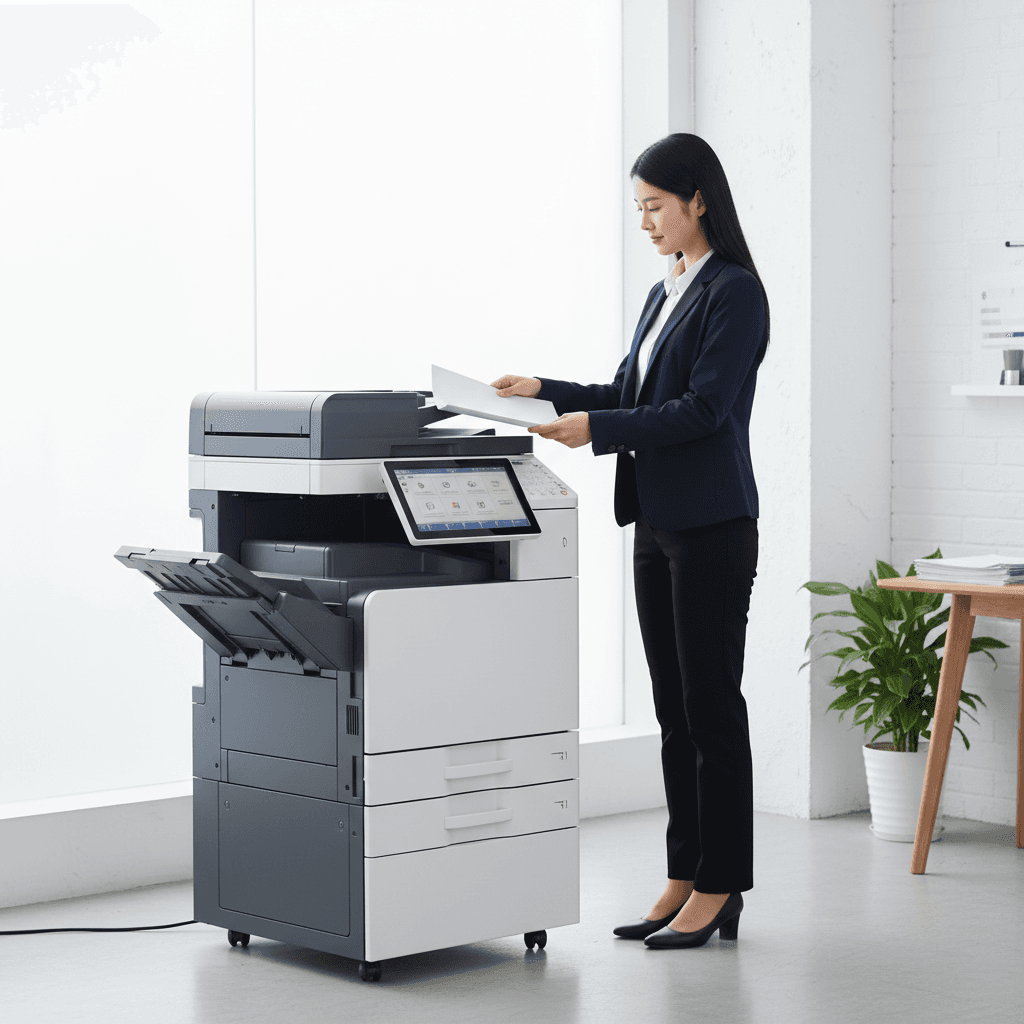
Boost Office Efficiency: Photocopier Dos & Don'ts for Employees
Introduction
In today's fast-paced Pakistani offices, photocopiers and multifunction printers are indispensable tools. They are the backbone of document management, but their efficiency hinges on proper usage. Understanding the simple Dos and Don'ts can significantly extend their lifespan, reduce operational costs, and maintain a smooth workflow for every employee.
Main Discussion
- DO: Load Paper Correctly & Use the Right Type. Always fan paper before loading to prevent jams. Ensure you're using the correct paper size and weight specified by the manufacturer. Using incompatible paper can lead to misfeeds, poor print quality, and internal damage.
- DON'T: Ignore Error Messages or Force Operations. When the machine displays an error code or indicates a jam, do not force trays or attempt to print regardless. Consult the user manual or call your IT support. Forcing parts can cause severe damage that is costly to repair.
- DO: Keep the Machine Clean (Exterior & Glass). Regularly wipe down the scanner glass and the exterior of the machine with a soft, lint-free cloth. Dust and smudges on the glass can result in blurry copies, while general dust can accumulate and affect internal components over time.
- DON'T: Overload Paper Trays or Output Bins. Each paper tray has a maximum fill line. Overloading can lead to frequent paper jams and wear out the feeding mechanism prematurely. Similarly, don't let the output bin overflow, as this can cause documents to fall, get mixed up, or even jam the ejector.
- DO: Report Issues Promptly. If you notice unusual noises, recurring jams, or a decline in print quality, report it to the designated IT or maintenance personnel immediately. Early detection and resolution can prevent minor issues from escalating into major, expensive repairs.
Why It Matters
For businesses and offices across Pakistan, efficient photocopier management translates directly into significant savings and enhanced productivity. Adhering to these simple guidelines reduces the frequency of costly repairs, minimizes downtime, and ensures that your valuable office equipment operates at peak performance for years to come. It’s an investment in your company's operational continuity and financial health.
Contact
Contact us: +92 332 2805280
Follow Us on TikTok
Check out our latest videos, product demos, and behind-the-scenes content
Follow Us on Facebook
Stay updated with our latest news and community updates