
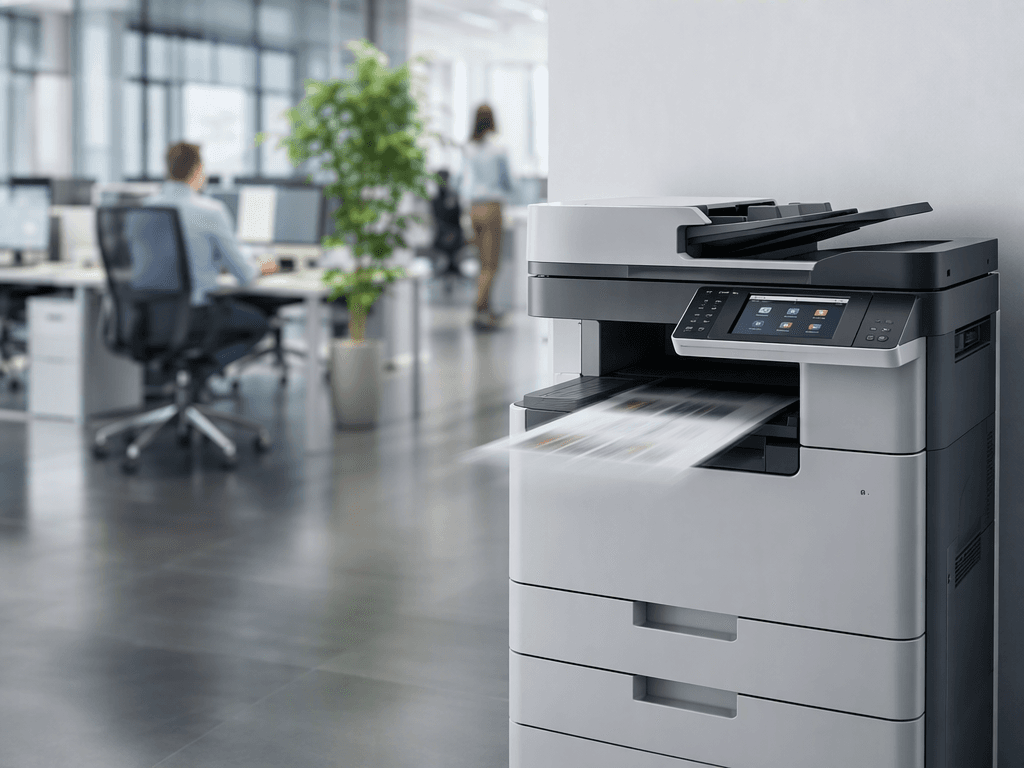
Boost Your Office Efficiency: Improve Copier Speed & Performance in 2026
Introduction
In today's fast-paced business environment, a slow photocopier can be a major bottleneck, hindering productivity and causing frustration. For businesses across Pakistan, efficient document processing is crucial for smooth operations. This guide will walk you through practical steps to significantly improve your copier's speed and overall performance, ensuring your office runs like a well-oiled machine.
Main Discussion
- Regular Maintenance and Cleaning: Dust, toner residue, and paper particles accumulate over time, affecting moving parts and sensors. Regularly clean the paper path, scanner glass, and exterior. Check and replace worn-out rollers or fuser units as recommended by the manufacturer. This simple step can prevent jams and maintain optimal paper feeding speed.
- Optimize Printer Settings: Many copiers offer various settings that can impact speed. For everyday documents, opt for "draft" or "economy" mode and lower resolution settings. Utilize duplex printing only when necessary, as it can slow down the process. Adjusting these settings through your copier's control panel or computer driver can yield noticeable speed improvements.
- Use High-Quality, Compatible Supplies: The type of toner and paper you use directly affects performance. Low-quality toner can cause clogs, streaks, and require more cleaning, while unsuitable paper can lead to jams. Invest in genuine or high-quality compatible toner cartridges and appropriate paper stock to ensure smooth operation and consistent output speed.
- Update Drivers and Firmware: Outdated printer drivers or firmware can lead to compatibility issues and slower processing times. Regularly check the manufacturer's website for the latest driver and firmware updates for your specific copier model. Installing these updates can resolve bugs, improve communication with your network, and enhance overall performance.
- Network Optimization and Connectivity: A slow network connection can bottleneck even the fastest copier. Ensure your copier is connected to a stable, high-speed network, ideally via Ethernet for critical office devices. If using Wi-Fi, ensure strong signal strength. Also, check for any network congestion that might be delaying print jobs from reaching the copier.
Why It Matters
For businesses and offices in Pakistan, time is money. A slow photocopier translates directly into lost employee productivity, delayed project completion, and increased operational costs. By implementing these performance-enhancing strategies, Pakistani businesses can ensure their document workflows are efficient, reducing downtime, meeting deadlines, and ultimately boosting their bottom line and competitive edge in the market. Investing in your copier's performance is an investment in your business's future.
Contact
Contact us: +92 332 2805280
Follow Us on TikTok
Check out our latest videos, product demos, and behind-the-scenes content
Follow Us on Facebook
Stay updated with our latest news and community updates