
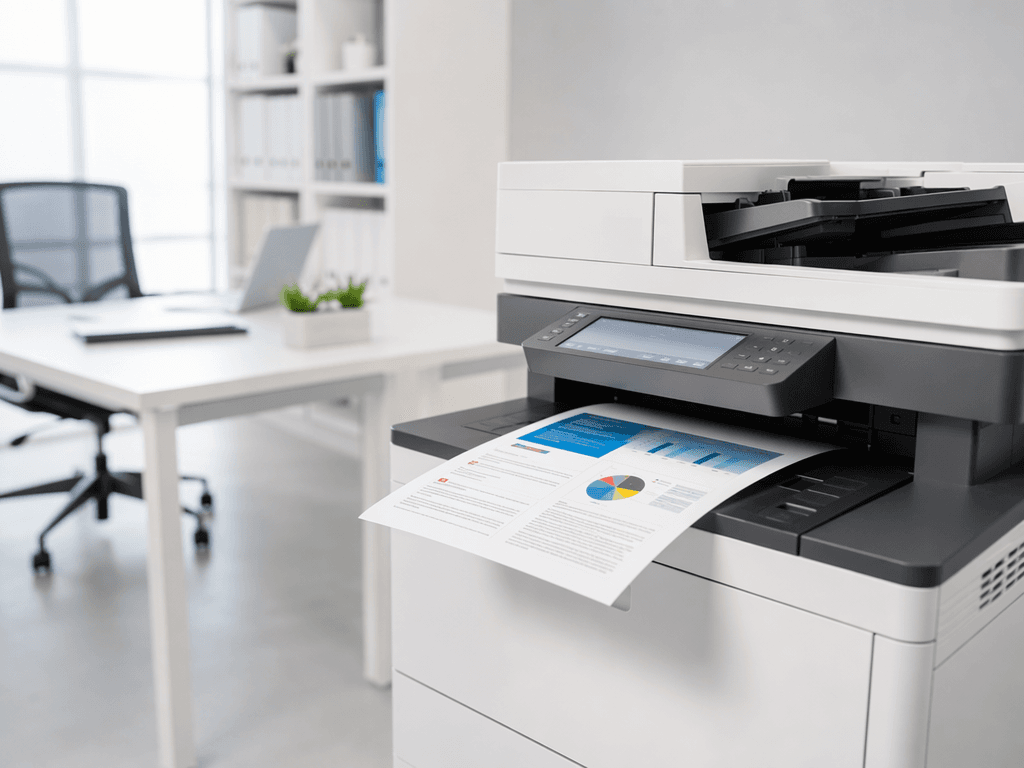
Boost Your Office Prints: A Guide to Superior Quality in 2026
Introduction
In today's professional environment, the quality of your printed documents speaks volumes about your business. From client presentations to internal reports, clear, crisp prints are essential for maintaining a professional image and ensuring readability. Poor print quality can lead to misunderstandings, wasted resources, and a less-than-stellar impression. This guide will walk you through actionable steps to elevate your office's print output.
Main Discussion
1. Regular Maintenance and Cleaning
Photocopiers and printers accumulate dust, toner residue, and paper particles over time, which can severely impact print quality. Regular cleaning of print heads, rollers, and toner cartridges is crucial. For laser printers, ensure the drum unit is clean and free from scratches. Scheduling professional maintenance for your office's high-volume machines, especially for brands like Ricoh, Konica Minolta, and Canon, can prevent common issues like streaks, smudges, and faded prints, ensuring optimal performance and longevity.
2. Use High-Quality Consumables
The type of toner, ink, and paper you use directly affects print output. Generic or low-quality consumables might seem cost-effective initially but often result in faded colors, inconsistent lines, and even damage to your printer. Invest in genuine or high-grade compatible toner cartridges and ink, specifically designed for your machine model. Similarly, selecting the right paper type and weight for your specific printing needs (e.g., brighter paper for presentations, appropriate weight for duplex printing) can make a significant difference in the final product's appearance and feel.
3. Optimize Printer Settings
Many print quality issues can be resolved by adjusting your printer's settings. Before printing, always check the print driver settings. Ensure you've selected the correct paper type and size, and choose a higher print quality setting (e.g., 'Best' or 'Fine' instead of 'Draft') for important documents. Calibrating your printer's color settings periodically can also help maintain accurate color reproduction, which is vital for marketing materials and branded documents produced on your office photocopier.
4. Update Printer Drivers and Firmware
Outdated printer drivers can cause a myriad of problems, including poor print quality, connectivity issues, and slow performance. Regularly check the manufacturer's website (e.g., for HP, Epson, or Xerox) for the latest drivers and firmware updates. These updates often include performance enhancements, bug fixes, and improved compatibility, all of which contribute to better print quality and overall machine efficiency. A stable and updated driver ensures your computer communicates effectively with your printer.
5. Proper Storage of Supplies
How you store your paper and toner cartridges can also impact print quality. Paper should be stored in a cool, dry place, away from direct sunlight and humidity. Damp or warped paper can lead to paper jams, smudges, and uneven toner application. Toner cartridges should also be kept in their original packaging until ready for use, stored at recommended temperatures to prevent the toner powder from clumping or degrading, which can result in patchy or light prints.
Why It Matters
For businesses and offices across Pakistan, superior print quality isn't just about aesthetics; it's about professionalism, efficiency, and cost-effectiveness. High-quality documents enhance your brand image, instill confidence in clients, and ensure clarity in internal communications. By minimizing misprints and re-prints, you reduce paper and toner waste, leading to significant cost savings. Furthermore, well-maintained machines with optimal settings operate more efficiently, extending their lifespan and reducing downtime, which is crucial for maintaining productivity in a competitive market.
Contact
Contact us: +92 332 2805280
Follow Us on TikTok
Check out our latest videos, product demos, and behind-the-scenes content
Follow Us on Facebook
Stay updated with our latest news and community updates