
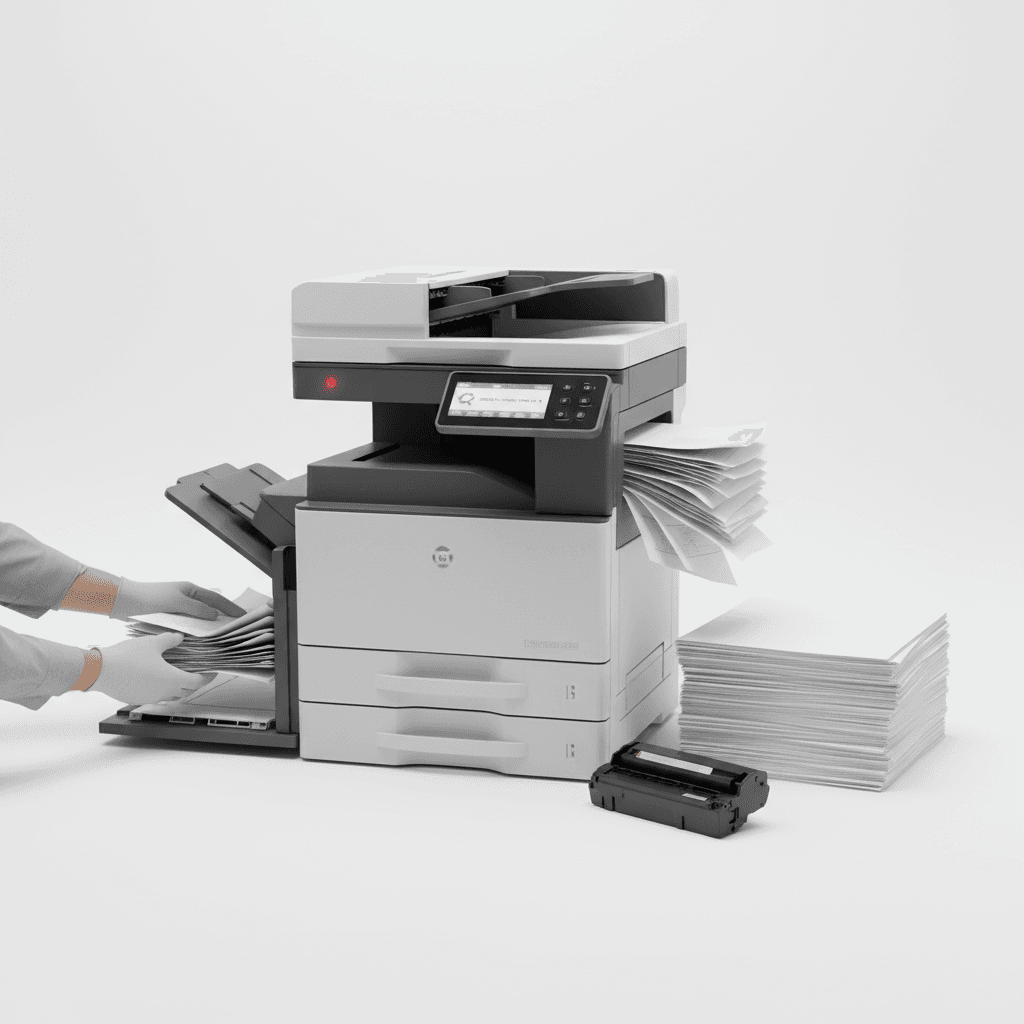
Common Photocopier Problems & How to Prevent Them in Pakistan
Introduction
In the fast-paced business environment of Pakistan, a reliable photocopier is essential for daily operations. However, these vital machines are prone to common issues that can disrupt workflow and productivity. Understanding these problems and implementing preventative measures can save time, money, and frustration. This guide outlines frequent photocopier malfunctions and offers practical solutions to keep your office running smoothly.
Main Discussion
1. Paper Jams
Paper jams are perhaps the most common and frustrating photocopier problem. They often occur due to misaligned paper, overfilling trays, using incorrect paper type or weight, or worn-out rollers. To prevent them, always use high-quality paper, fan paper stacks before loading, ensure trays are not overfilled, and regularly clean the paper path. Inspect and replace worn rollers as part of routine maintenance.
2. Poor Print Quality (Streaks, Fades, Spots)
Issues like streaks, faded prints, or random spots significantly impact document professionalism. These problems typically stem from low toner/ink levels, dirty print heads or drum units, a worn-out drum, or fuser issues. Prevention involves regularly monitoring toner levels, cleaning print heads and drum units according to the manufacturer's manual, and replacing consumables (like toner cartridges and drum units) when indicated. Always ensure correct print settings for the media you are using.
3. Connectivity Issues (Network Printing Problems)
In a networked office, connectivity problems can halt printing for multiple users. Causes include loose network cables, incorrect IP address settings, outdated printer drivers, or network configuration issues. To prevent this, regularly check all cable connections, verify the printer's IP address, keep printer drivers updated, and ensure your office network is stable and properly configured by IT professionals.
4. Slow Performance & Error Messages
A slow photocopier or one displaying frequent error messages can severely impact productivity. This can be due to overloaded memory, outdated firmware, complex print jobs, or underlying hardware malfunctions. Preventative steps include keeping the photocopier's firmware updated, breaking down very large or complex print jobs into smaller batches, regularly clearing the print queue, and ensuring the machine has adequate ventilation to prevent overheating.
Why It Matters
For businesses and offices across Pakistan, from Karachi to Lahore and Islamabad, operational efficiency is paramount. Unforeseen photocopier downtime can lead to missed deadlines, increased operational costs, and a significant dip in staff productivity. By proactively addressing potential issues, Pakistani businesses can ensure their document management systems remain robust, supporting seamless operations and contributing to overall success. Investing in preventative maintenance and quality consumables is an investment in your business's future.
Contact
Contact us: +92 332 2805280
Follow Us on TikTok
Check out our latest videos, product demos, and behind-the-scenes content
Follow Us on Facebook
Stay updated with our latest news and community updates