
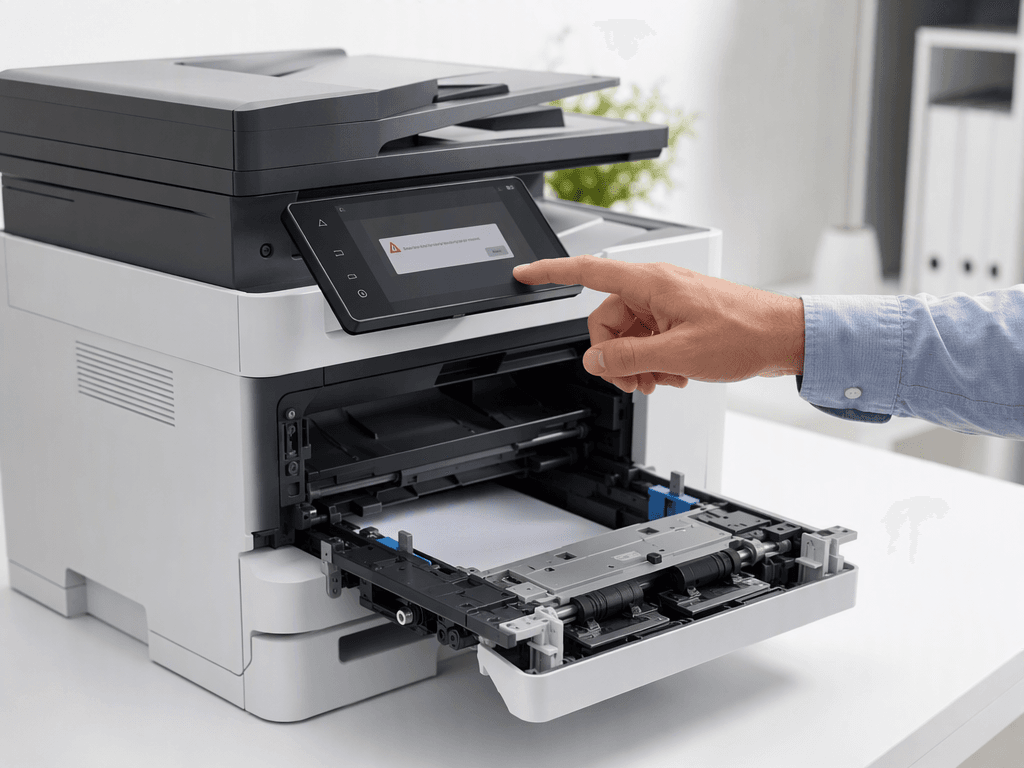
Common Printer Error Messages & Quick Fixes for Pakistan Offices
Introduction
Printer error messages can bring office productivity to a halt, causing frustration and delays. In the fast-paced business environment of Pakistan, a malfunctioning printer or photocopier can significantly impact daily operations. This guide explores the most common causes behind these cryptic error messages, helping you diagnose and resolve issues efficiently and maintain seamless workflow.
Main Discussion
1. Paper Jams and Misfeeds
One of the most frequent culprits, paper jams occur when paper gets stuck in the printer's mechanism. This can be due to incorrect paper loading, using damaged or creased paper, or worn-out rollers. For high-volume offices in Lahore or Karachi, ensuring paper is loaded correctly and regularly inspecting rollers can prevent these common disruptions. Modern photocopiers often display specific error codes for jam locations, aiding quick resolution.
2. Low Toner/Ink and Cartridge Issues
Printers will halt operations and display 'low toner' or 'replace cartridge' messages when supplies run out. Beyond just depletion, issues can arise from improperly installed cartridges, using non-genuine supplies that aren't recognized by the printer's chip, or even a faulty cartridge itself. Businesses in Pakistan should prioritize using genuine toner and ink to ensure optimal performance and avoid compatibility errors that can lead to costly downtime.
3. Connectivity Problems (USB/Network)
In today's networked offices, connectivity issues are a significant cause of printer errors. This includes loose USB cables, incorrect Wi-Fi passwords, IP address conflicts on network printers, or the printer simply being offline. For offices relying on shared network printers, verifying network settings, ensuring the printer has a stable connection, and checking physical cable connections are crucial first steps in troubleshooting.
4. Outdated Drivers and Software Glitches
Printers require specific software, known as drivers, to communicate with computers. Outdated or corrupted drivers can lead to a myriad of error messages, from print jobs failing to complete to the printer not being recognized at all. Regularly updating printer drivers, especially after operating system updates, is vital. Software conflicts or pending print jobs stuck in the queue can also cause a printer to freeze or display errors.
5. Maintenance and Wear and Tear
Like any machinery, printers and photocopiers require regular maintenance. Dust accumulation, worn-out fuser units, dirty print heads, or a full waste toner box can all trigger error messages. Ignoring maintenance can lead to more severe problems and costly repairs. Routine cleaning and timely replacement of consumable parts are essential for the longevity and reliability of your office equipment in Pakistan.
Why It Matters
For businesses and offices across Pakistan, reliable printing and copying are non-negotiable. Downtime due to printer errors translates directly into lost productivity and potential financial impact. Understanding these common causes empowers your staff to perform basic troubleshooting, reducing reliance on external technicians and ensuring smoother operations. Proactive maintenance and quick fixes keep your workflow uninterrupted, safeguarding your business efficiency and profitability.
Contact
Contact us: +92 332 2805280
Follow Us on TikTok
Check out our latest videos, product demos, and behind-the-scenes content
Follow Us on Facebook
Stay updated with our latest news and community updates