
Detect Early Printer Failure Signs: Save Costs & Boost Productivity in 2026
Introduction
In today's fast-paced business environment in Pakistan, a reliable photocopier or printer is the backbone of daily operations. Unexpected printer failures can lead to significant downtime, missed deadlines, and increased operational costs. Learning to recognize the subtle early warning signs of an impending breakdown can save your business both time and money, ensuring uninterrupted productivity throughout 2026.
Main Discussion
1. Print Quality Degradation
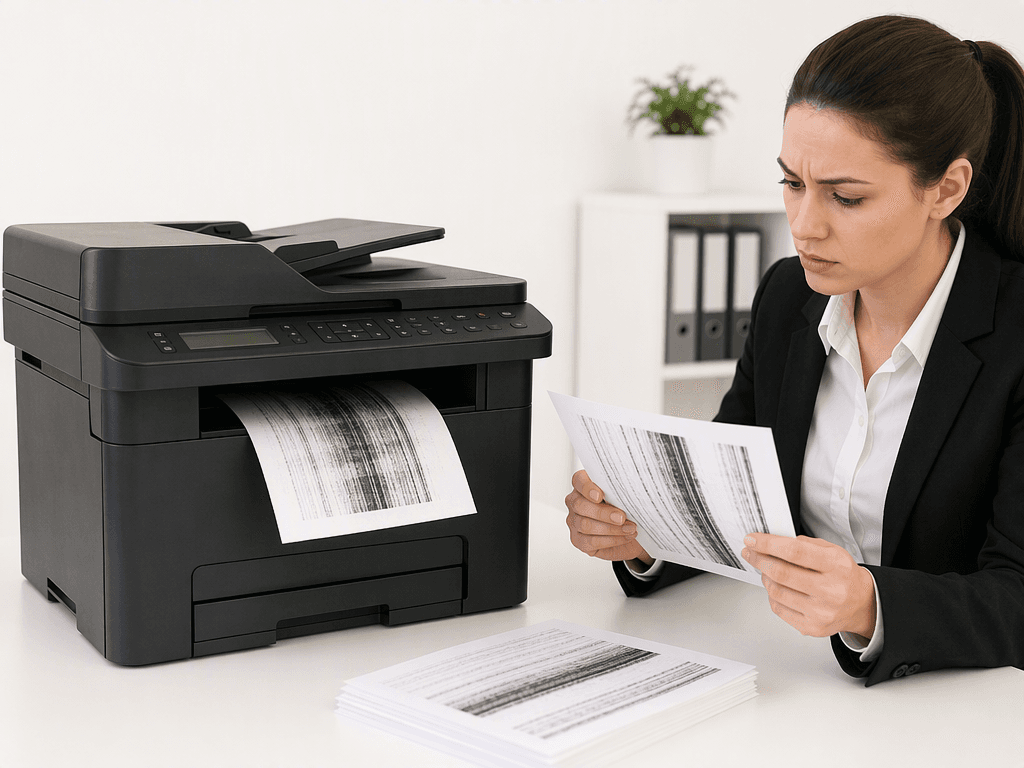
One of the most common and visible signs of a printer nearing failure is a noticeable decline in print quality. Look for streaks, faded areas, smudges, or inconsistent colors on your documents. For photocopiers, this might manifest as blurry copies or lines appearing on scanned documents. These issues often point to a worn-out drum unit, low toner levels, or clogged print heads in inkjet models. Addressing these promptly can prevent further damage and maintain professional output.
2. Unusual Noises During Operation
Pay close attention to any new or unusual sounds emanating from your printer or photocopier. Grinding, clicking, squeaking, or excessive rattling during printing or copying cycles are strong indicators of internal mechanical problems. These noises could signify worn gears, misaligned components, or issues with the fuser assembly. Ignoring these sounds can lead to complete machine seizure and more expensive repairs.
3. Frequent Paper Jams
While occasional paper jams are common, a sudden increase in their frequency is a red flag. This often indicates issues with the paper feed rollers, which can become worn or dirty over time, losing their grip. It could also signal problems with the paper tray alignment or the use of incorrect paper types. Regular paper jams not only disrupt workflow but can also damage internal components if not addressed, especially in high-volume photocopiers.
4. Slow Performance and Persistent Error Messages
If your printer or photocopier starts to operate noticeably slower than usual, takes longer to warm up, or consistently displays generic error messages that don't resolve with a simple restart, it's a sign of deeper trouble. This could be due to outdated firmware, driver conflicts, or internal processing unit issues. Persistent errors can lead to unexpected shutdowns and data loss, impacting office efficiency significantly.
5. Excessive Toner or Ink Consumption
Are you replacing toner cartridges or ink tanks more frequently than usual without a corresponding increase in print volume? This could indicate a leak, inefficient toner distribution, or a faulty cartridge. For photocopiers, excessive toner consumption might also point to issues with the developer unit. Monitoring consumption patterns can help detect these inefficiencies early, preventing unnecessary expenditure and ensuring optimal performance.
Why It Matters
For businesses and offices across Pakistan, maintaining operational efficiency is paramount. Early detection of printer failure signs isn't just about avoiding a breakdown; it's about safeguarding productivity, controlling operational costs, and ensuring seamless service delivery. Proactive maintenance prevents costly emergency repairs, extends the lifespan of your valuable equipment, and minimizes disruptions that can impact client relations and project deadlines. In a competitive market, reliable printing infrastructure gives your business a crucial edge.
Contact
Contact us: +92 332 2805280
Follow Us on TikTok
Check out our latest videos, product demos, and behind-the-scenes content
Follow Us on Facebook
Stay updated with our latest news and community updates