
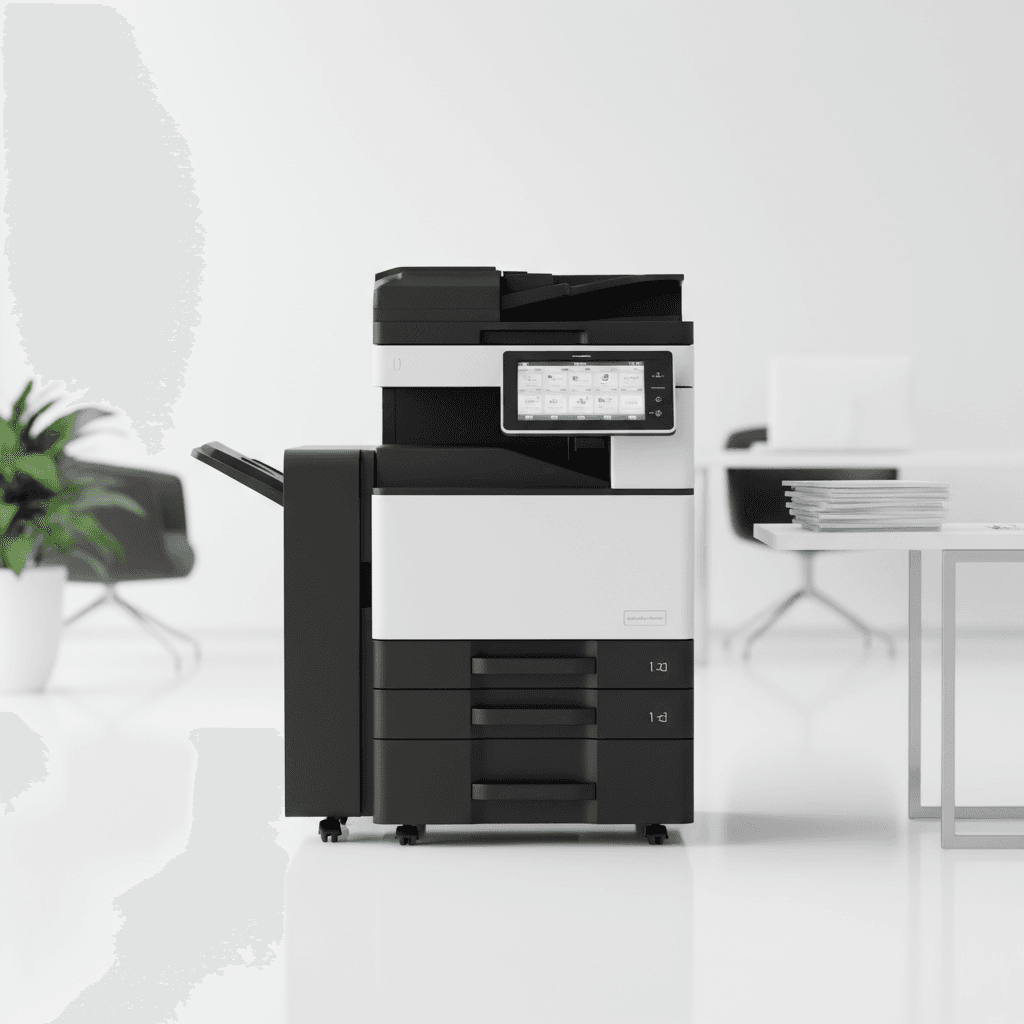
FAQs About Photocopier Operations: A Complete Guide for Offices
Introduction
Photocopiers are essential tools in modern office environments, yet many users encounter technical hurdles during daily operations. Understanding the basic mechanics and troubleshooting steps can significantly reduce downtime and repair costs. This guide addresses the most frequently asked questions regarding photocopier usage and maintenance to help you maximize your equipment's lifespan.
Main Discussion
-
How can I resolve frequent paper jams? Paper jams often occur due to incorrect paper loading, using the wrong paper weight, or worn-out rollers. To resolve this, ensure the paper guides are snug against the stack and always fan the paper before placing it in the tray. If jams persist, inspect the internal rollers for dust or debris and clean them with a lint-free cloth.
-
What causes streaks or lines on printed copies? Streaks are usually caused by a dirty scanner glass or a malfunctioning drum unit. First, clean the large glass surface and the small slit glass (for the document feeder) with a specialized glass cleaner. If the lines remain, it may indicate a scratch on the drum or a buildup of waste toner that requires professional servicing.
-
How do I optimize toner consumption? To save on costs, utilize the 'Draft' or 'Toner Save' mode for internal documents that do not require high-resolution finishes. Additionally, ensure you are using high-yield toner cartridges compatible with your specific model, as these offer a lower cost-per-page ratio over time.
-
When should I use the bypass tray instead of the standard tray? The bypass tray is designed for non-standard media such as envelopes, labels, or heavy cardstock. Using these materials in the standard tray can lead to severe jams or damage to the internal fuser unit, as the standard path is optimized for 80gsm office paper.
Why It Matters
In Pakistan, where business efficiency and cost-effectiveness are critical, minimizing technical delays is vital for operational success. High-quality printing solutions support the documentation needs of various sectors, from education to corporate offices. Proper knowledge of photocopier operations prevents unnecessary service calls and ensures that your investment continues to provide value in a demanding work environment.
Contact
Contact us: +92 332 2805280
Follow Us on TikTok
Check out our latest videos, product demos, and behind-the-scenes content
Follow Us on Facebook
Stay updated with our latest news and community updates