
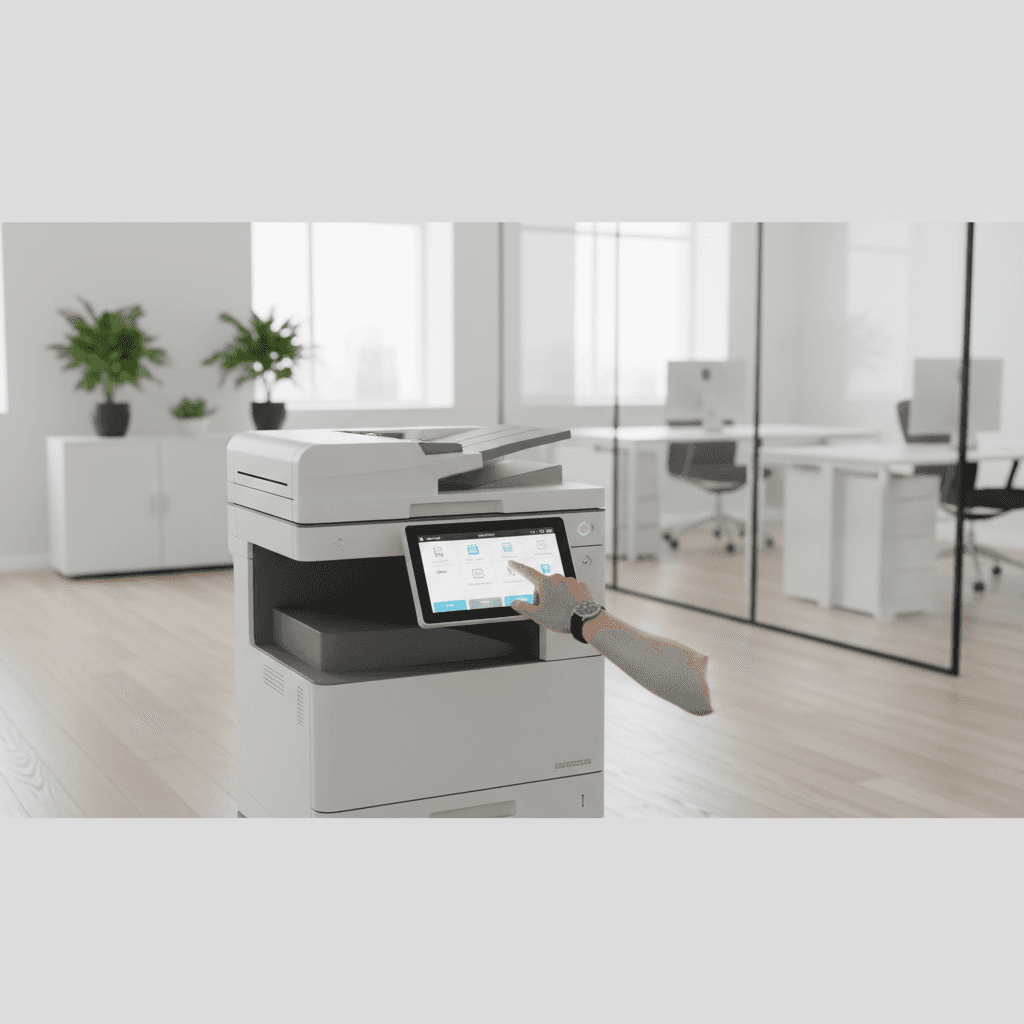
How to Set Up an Efficient Scanning Workflow for Your Office
Introduction
In the modern digital landscape, transitioning from physical paperwork to a digital archive is essential for business efficiency. A structured scanning workflow ensures that documents are captured, organized, and stored systematically, reducing the time spent on manual filing and retrieval. This guide outlines the steps to implement a professional scanning process using high-quality photocopiers and multi-function printers.
Main Discussion
- Hardware Selection and Configuration: Utilize multi-function printers (MFPs) equipped with Automatic Document Feeders (ADF) to handle high-volume batches. Ensure the scanner resolution is set to at least 300 DPI for clarity while maintaining manageable file sizes.
- Destination Routing: Configure your device for multiple output paths such as Scan-to-Email for quick sharing, Scan-to-Folder (SMB/FTP) for local archiving, and Scan-to-Cloud for remote accessibility. This reduces the steps required to move a file from the glass to its final destination.
- Standardized Naming and OCR: Implement a consistent file-naming convention (e.g., YYYY-MM-DD_ClientName_Invoice) to ensure searchability. Utilize Optical Character Recognition (OCR) software to convert scanned images into searchable text, which is vital for quick data retrieval.
- Security and Compression: Protect sensitive corporate data by using encrypted PDF formats and password-protected scanning. Additionally, utilize high-compression settings to save storage space without compromising the legibility of the document.
Why It Matters
For businesses and offices in Pakistan, establishing a robust scanning workflow is a critical step toward digital transformation. As corporate environments in cities like Karachi, Lahore, and Islamabad move toward paperless operations, an efficient workflow reduces overhead costs associated with physical storage. Furthermore, it ensures that critical records are backed up against physical damage, providing a reliable disaster recovery solution for local enterprises.
Contact
Contact us: +92 332 2805280
Follow Us on TikTok
Check out our latest videos, product demos, and behind-the-scenes content
Follow Us on Facebook
Stay updated with our latest news and community updates