
Improve Office Document Scanning in Pakistan: Boost Efficiency 2026
Introduction
In today's fast-paced digital landscape, efficient document scanning is crucial for any modern office in Pakistan. Optimizing your scanning process can significantly enhance productivity, reduce clutter, and streamline workflows. This guide provides actionable strategies to improve your office document scanning, ensuring clearer, faster, and more organized digital documents for 2026.
Main Discussion
1. Utilize Advanced Features of Modern Photocopiers and Printers
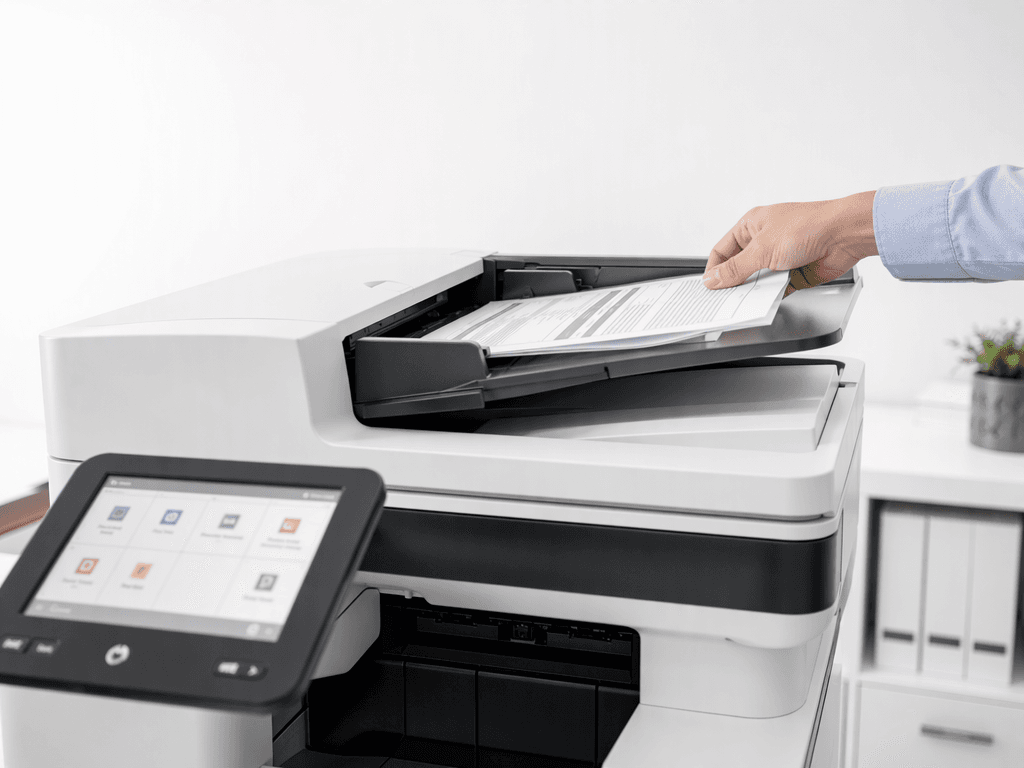
Modern photocopiers and multifunction printers (MFPs) offer advanced scanning capabilities that can revolutionize your office's document management. Features like Automatic Document Feeder (ADF) allow for rapid scanning of multiple pages, saving considerable time. Optical Character Recognition (OCR) converts scanned images into editable and searchable text, which is invaluable for data management and archiving. Furthermore, network scanning enables direct saving to shared folders, cloud services, or email, improving accessibility and collaboration.
2. Optimize Scan Settings for Clarity and File Size
Adjusting your scan settings is critical for achieving both high-quality results and manageable file sizes. For standard text documents, 200-300 DPI (dots per inch) is often sufficient, providing clear readability while minimizing file size. Use grayscale for black and white documents to further reduce storage requirements. For documents requiring high detail, such as intricate diagrams or photographs, higher DPI (e.g., 600 DPI) and color scanning might be necessary. Always choose appropriate file formats, such as PDF for general documents and JPEG or TIFF for images.
3. Implement Regular Maintenance and Calibration
The quality of your scanned documents directly depends on the condition of your scanning equipment. Regularly clean the scanner glass and ADF rollers to prevent streaks, smudges, and dust from appearing on your digital files. Ensure your photocopier or printer's firmware is up-to-date to benefit from the latest features, security patches, and performance enhancements. Proper calibration also ensures accurate color reproduction and image fidelity, crucial for professional documents.
4. Establish a Consistent Naming and Folder Structure
Beyond the physical act of scanning, effective digital organization is paramount. Develop and enforce a standardized naming convention for all scanned documents (e.g., "Date_DocumentType_Department_Reference"). Coupled with a logical and intuitive folder structure, this system makes retrieving documents faster and reduces the time spent searching, significantly boosting overall office efficiency and compliance.
5. Train Staff on Best Practices
Even the most advanced scanning equipment can be underutilized without proper user knowledge. Conduct regular training sessions for your staff on how to effectively use the photocopier's scanning functions, optimize settings for different document types, and adhere to the established digital filing system. This ensures consistent quality, minimizes errors, and maximizes the return on your equipment investment, fostering a more productive work environment.
Why It Matters
For businesses and offices across Pakistan, improving document scanning translates directly into tangible benefits. It enhances data security by creating digital backups, reduces physical storage costs, and supports environmental sustainability by minimizing paper use. In a competitive market, efficient digital workflows provide a significant edge, enabling faster decision-making, better record-keeping, and improved client service. Embracing these practices ensures your operations remain agile, compliant, and ready for the challenges of 2026.
Contact
Contact us: +92 332 2805280
Follow Us on TikTok
Check out our latest videos, product demos, and behind-the-scenes content
Follow Us on Facebook
Stay updated with our latest news and community updates