
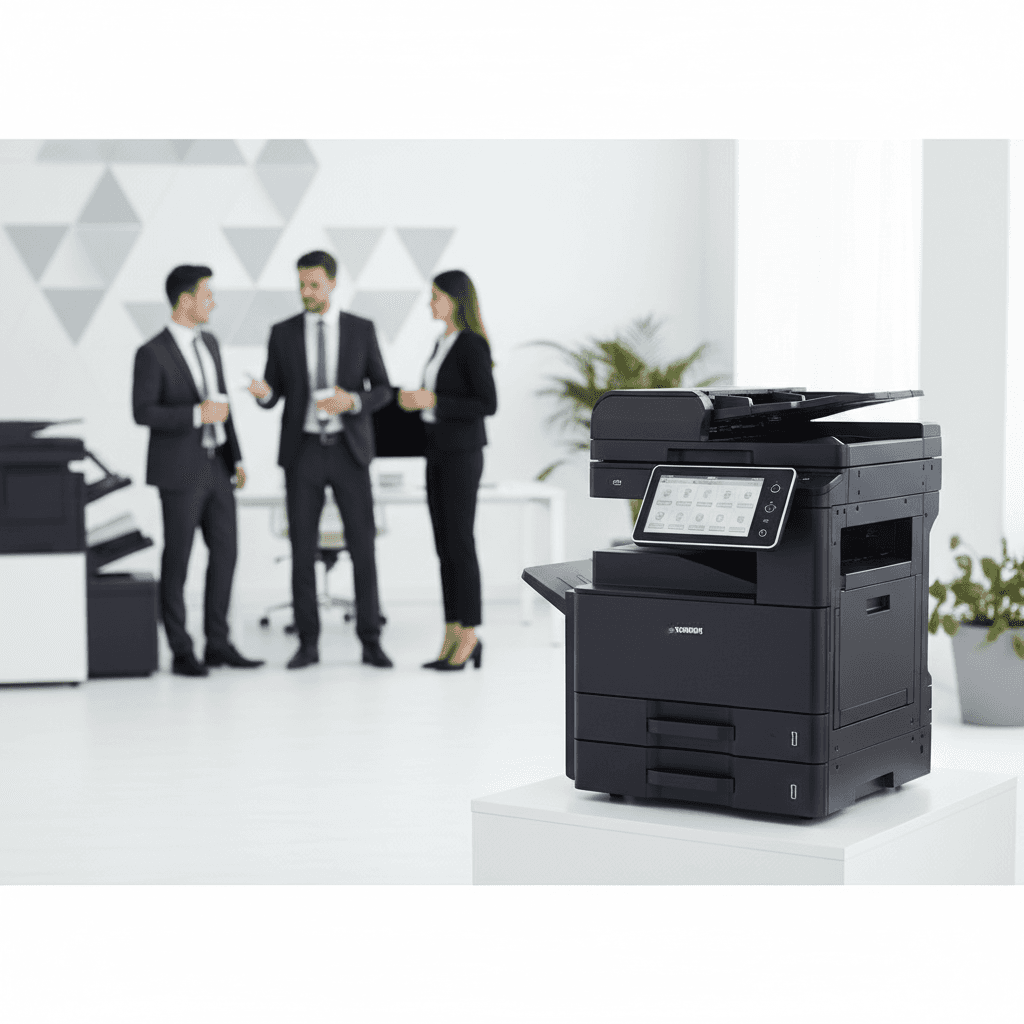
Managing Multi-User Printers in Offices: Efficiency & Security Tips
Introduction
Managing a shared printer in a busy office environment requires a balance between accessibility and security. As multiple departments rely on a single device, implementing structured protocols ensures that workflows remain uninterrupted. This guide explores best practices for maintaining high-performance photocopiers in multi-user settings.
Main Discussion
- User Authentication and Secure Release: Implement PIN codes or ID card swipes to ensure that sensitive documents are only printed when the user is physically present at the machine, preventing document theft or loss.
- Departmental Quotas and Monitoring: Use print management software to track usage by department, helping to control costs and prevent excessive toner or paper consumption across the organization.
- Scheduled Maintenance and Cleaning: High-volume usage leads to faster wear and tear; establishing a routine service schedule prevents unexpected downtime during critical business hours.
- Centralized Driver Management: Simplify the IT infrastructure by using universal print drivers, making it easier for new employees to connect to the network without individual configuration issues.
- Dedicated Paper Trays: Assign specific trays for different paper types or departments to avoid confusion and ensure that specialized tasks, like letterhead printing, are handled correctly.
Why It Matters
In Pakistan, where operational costs and hardware longevity are critical for business sustainability, efficient printer management directly impacts the bottom line. Reducing paper waste and extending the life of expensive photocopiers through proper multi-user protocols allows local businesses to allocate resources more effectively and maintain a professional workflow.
Contact
Contact us: +92 332 2805280
Follow Us on TikTok
Check out our latest videos, product demos, and behind-the-scenes content
Follow Us on Facebook
Stay updated with our latest news and community updates