
Mastering Multiple Printers: An Essential Guide for Office Efficiency
Introduction
In today's fast-paced business environment, many offices in Pakistan rely on multiple printers and photocopiers to keep operations running smoothly. While a diverse fleet offers flexibility, managing these machines effectively can be a significant challenge. Proper maintenance is crucial to prevent costly downtime, ensure consistent print quality, and extend the lifespan of your valuable equipment. This guide provides practical strategies for maintaining multiple printers in a busy office setting.
Main Discussion
1. Centralized Inventory and Scheduled Maintenance
Create a comprehensive inventory of all your printing devices, including model numbers, purchase dates, warranty information, and service history. Implement a proactive maintenance schedule for each machine. This includes regular cleaning of dust, checking for worn parts, and ensuring toner/ink levels are monitored. For high-volume photocopiers, schedule professional check-ups annually to prevent major breakdowns and ensure optimal performance.
2. Standardize Consumables and Supplies
Where possible, try to standardize your printer models to use common toner cartridges, paper sizes, and other consumables. This simplifies inventory management, allows for bulk purchasing discounts, and reduces the complexity of stocking different supplies. For instance, if you have multiple office printers, opting for models that share the same toner type can significantly streamline your supply chain and reduce waste.
3. Regular Cleaning and User Training
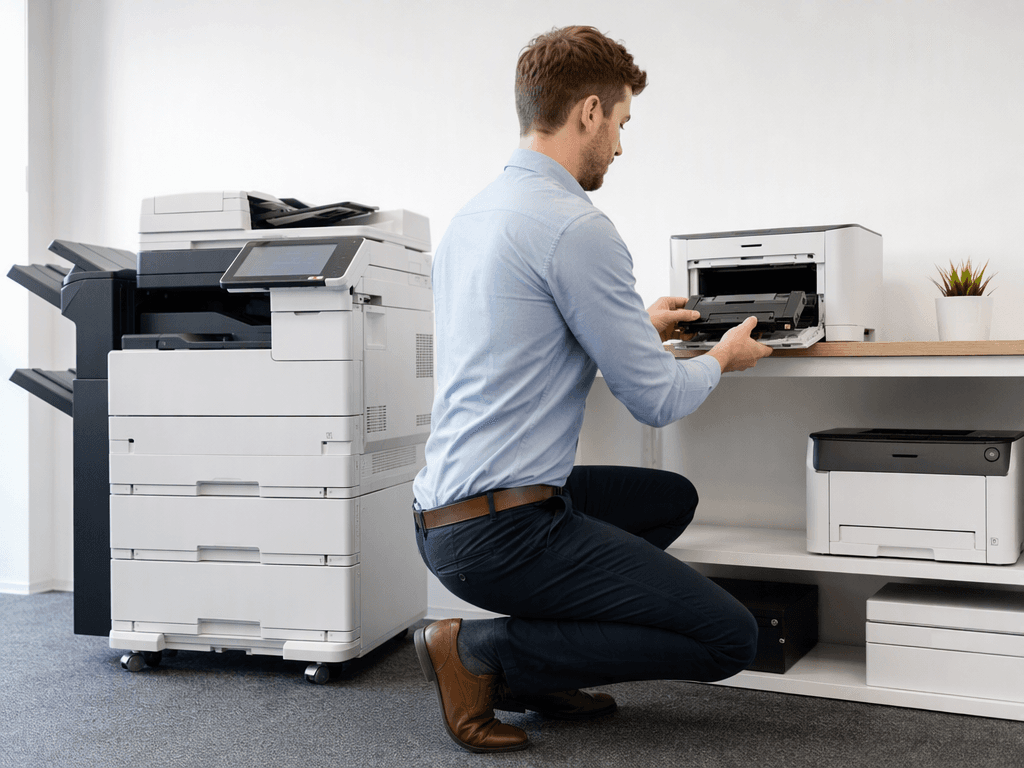
Dust and debris are common enemies of office equipment. Regularly clean the exterior and interior (following manufacturer guidelines) of all printers and photocopiers. Crucially, train your staff on basic troubleshooting steps, how to clear simple paper jams, and how to properly replace toner cartridges. Empowering users with this knowledge can resolve minor issues quickly, reducing calls to IT and minimizing downtime.
4. Network Monitoring and Driver Updates
Utilize network monitoring tools to track printer usage, identify potential bottlenecks, and anticipate maintenance needs. Many modern photocopiers and network printers offer remote diagnostics. Regularly update printer drivers and firmware to ensure compatibility with operating systems and to leverage the latest features and security patches. Outdated drivers can lead to connectivity issues and poor print quality across your fleet.
5. Professional Servicing and Support
Even with diligent in-house maintenance, professional servicing is indispensable. Establish a relationship with a reliable local service provider in Pakistan for routine inspections and emergency repairs. Expert technicians can diagnose complex issues, perform deep cleaning, and replace critical components, ensuring your high-volume photocopiers and essential office printers remain in peak condition for years to come.
Why It Matters
For businesses and offices in Pakistan, efficient printer management directly translates to operational savings and increased productivity. By implementing these maintenance strategies, you can significantly reduce repair costs, extend the life of your equipment, and minimize disruptive downtime. This ensures that your team can focus on their core tasks without being hindered by printing issues, ultimately contributing to a smoother, more cost-effective, and productive work environment. Investing in maintenance is investing in your business's continuity and success.
Contact
Contact us: +92 332 2805280
Follow Us on TikTok
Check out our latest videos, product demos, and behind-the-scenes content
Follow Us on Facebook
Stay updated with our latest news and community updates