
Mastering Office Equipment: Staff Training for Photocopiers & Printers
Introduction
In today's fast-paced business environment, efficient use of office equipment is paramount. Photocopiers and printers are the backbone of daily operations, yet often, staff are not fully trained on their capabilities or proper maintenance. This leads to wasted resources, downtime, and unnecessary service calls. Investing in comprehensive staff training ensures your team can maximize the potential of your office machinery, enhancing productivity and reducing operational costs.
Main Discussion
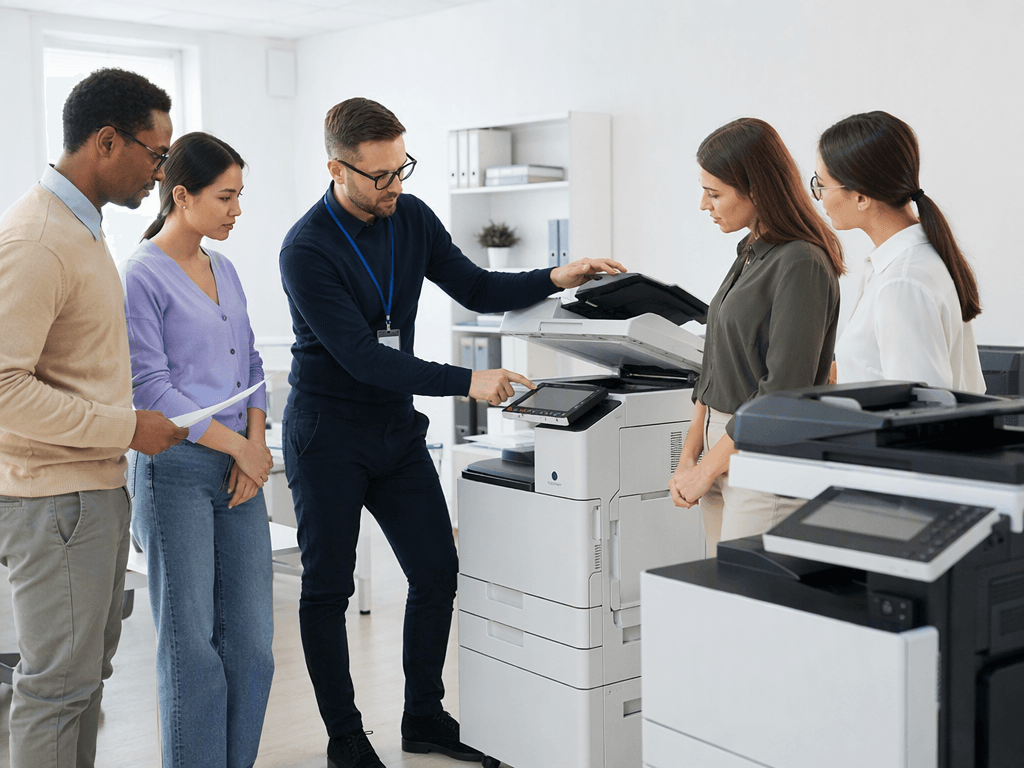
- Hands-On Workshops & Demonstrations: Organize practical sessions focusing on core functions like basic copying, scanning to email/network folders, duplex printing, and paper tray management. Demonstrate how to clear common paper jams safely and efficiently, and replace toner cartridges correctly for various models (e.g., a high-volume Canon imageRUNNER or a compact HP LaserJet).
- Creating User-Friendly Guides & FAQs: Develop concise, visual guides (digital or laminated printouts) placed near each machine. Include step-by-step instructions for frequent tasks, troubleshooting tips for common error codes, and contact information for IT support. A dedicated internal FAQ page can address more complex issues or less frequent functions like secure printing or advanced finishing options.
- Vendor-Led Training & Resources: Leverage the expertise of your equipment supplier. Many vendors, like those for Ricoh or Konica Minolta machines, offer free or paid training sessions upon installation or as part of a service contract. They can provide in-depth knowledge on advanced features, software integration (e.g., document management systems), and preventative maintenance specific to your models.
- Designated Power Users & Peer Mentoring: Identify tech-savvy staff members who can become "equipment champions." Train them extensively, then empower them to assist colleagues and provide ongoing informal support. This creates an internal knowledge base and reduces reliance on external support for minor issues, fostering a culture of shared learning.
- Regular Refresher Courses & Updates: Technology evolves, and so do office needs. Schedule annual or bi-annual refresher courses to cover new features, software updates, or address recurring issues identified through support tickets. This ensures skills remain sharp and adapts to any changes in equipment or workflow.
Why It Matters
For businesses and offices across Pakistan, efficient equipment use directly impacts the bottom line. Properly trained staff mean fewer wasted prints, optimal toner usage, reduced paper jams, and prolonged machine lifespan. This translates into significant cost savings on consumables, maintenance, and energy. Furthermore, enhanced productivity and smoother workflows contribute to a more professional image and better service delivery, crucial for staying competitive in Pakistan's dynamic market. Investing in training is an investment in operational excellence and sustainable growth.
Contact
Contact us: +92 332 2805280
Follow Us on TikTok
Check out our latest videos, product demos, and behind-the-scenes content
Follow Us on Facebook
Stay updated with our latest news and community updates