
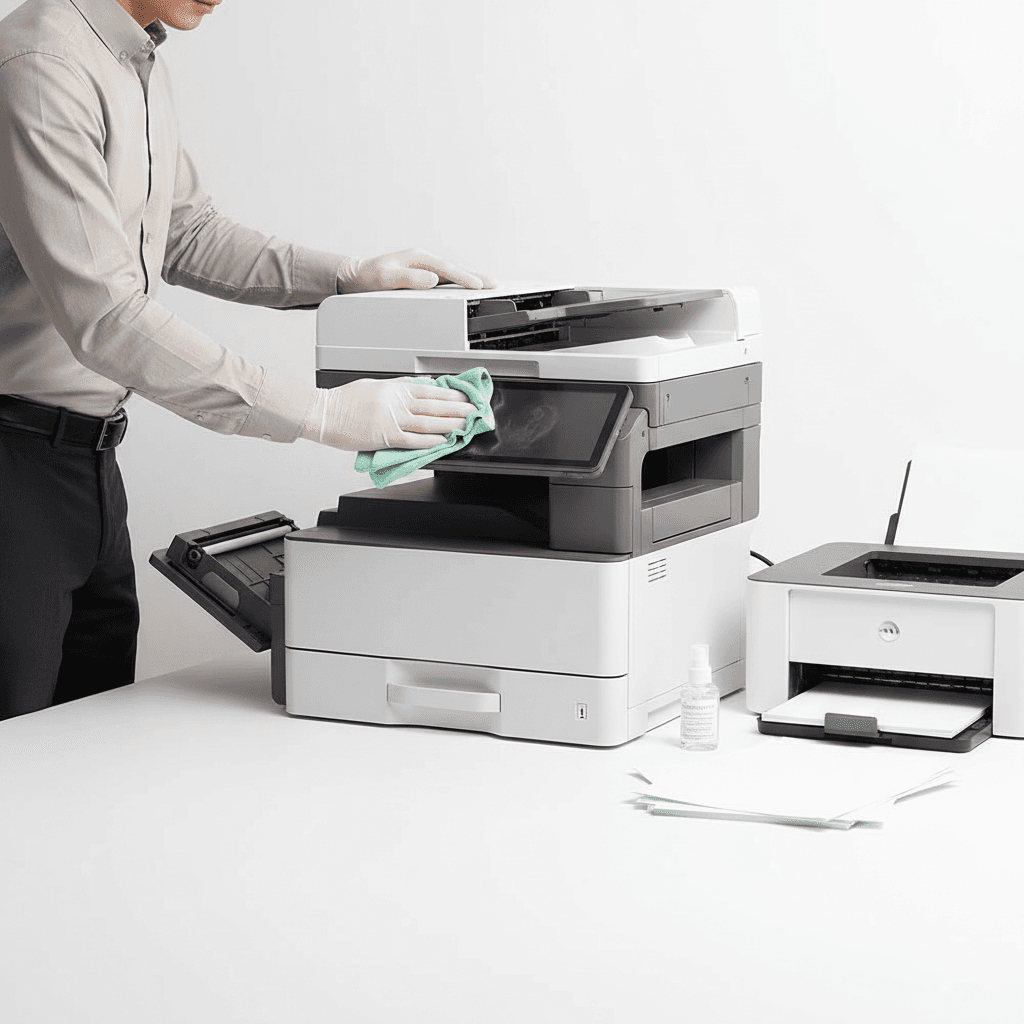
Monthly Photocopier Maintenance: Your Essential Checklist for 2026
Introduction
In today's fast-paced business environment, a reliable photocopier is the backbone of efficient operations. Regular maintenance isn't just about fixing problems; it's about preventing them, ensuring consistent performance and extending the life of your valuable office equipment. This monthly checklist will guide you through simple yet crucial steps to keep your photocopier running optimally throughout 2026.
Main Discussion
- Clean the Glass Platen and Document Feeder Rollers: Dust and smudges on the platen lead to streaks and blurry copies. Use a lint-free cloth and a mild glass cleaner. For the document feeder rollers, gently wipe them with a damp cloth to remove paper dust, preventing misfeeds common in high-volume offices across Pakistan.
- Inspect and Clean the Toner/Developer Area: While avoiding direct contact with toner, visually inspect for any spills or leaks. Gently wipe down the exterior of the toner cartridge area. Ensure the waste toner bottle is not full and replace it if necessary, as an overflowing bottle can cause significant internal damage and print quality issues.
- Check Paper Trays and Rollers: Remove all paper from trays and inspect for any foreign objects like staples or paper clips. Fan the paper before reloading to prevent jams. Periodically check the paper pickup rollers for wear; worn rollers are a primary cause of paper jams, a common frustration in busy Pakistani offices.
- Perform a Test Print and Calibration: Run a few test prints to check for print quality issues like streaks, faded areas, or misalignments. Many modern photocopiers, including those we offer, have built-in calibration functions in their settings menu. Regularly performing these ensures optimal output quality, crucial for professional documents.
- Update Firmware (If Applicable): Check the manufacturer's website for any available firmware updates for your specific photocopier model. Firmware updates often improve performance, add new features, or fix known bugs, enhancing the overall reliability and security of your device.
Why It Matters
For businesses and offices across Pakistan, a well-maintained photocopier translates directly into uninterrupted productivity and significant cost savings. Regular checks prevent costly emergency repairs, reduce downtime, and ensure your team can focus on their core tasks without technological hurdles. Investing a little time each month in maintenance safeguards your investment and supports a smoother workflow, ultimately contributing to your operational efficiency and bottom line.
Contact
Contact us: +92 332 2805280
Follow Us on TikTok
Check out our latest videos, product demos, and behind-the-scenes content
Follow Us on Facebook
Stay updated with our latest news and community updates