
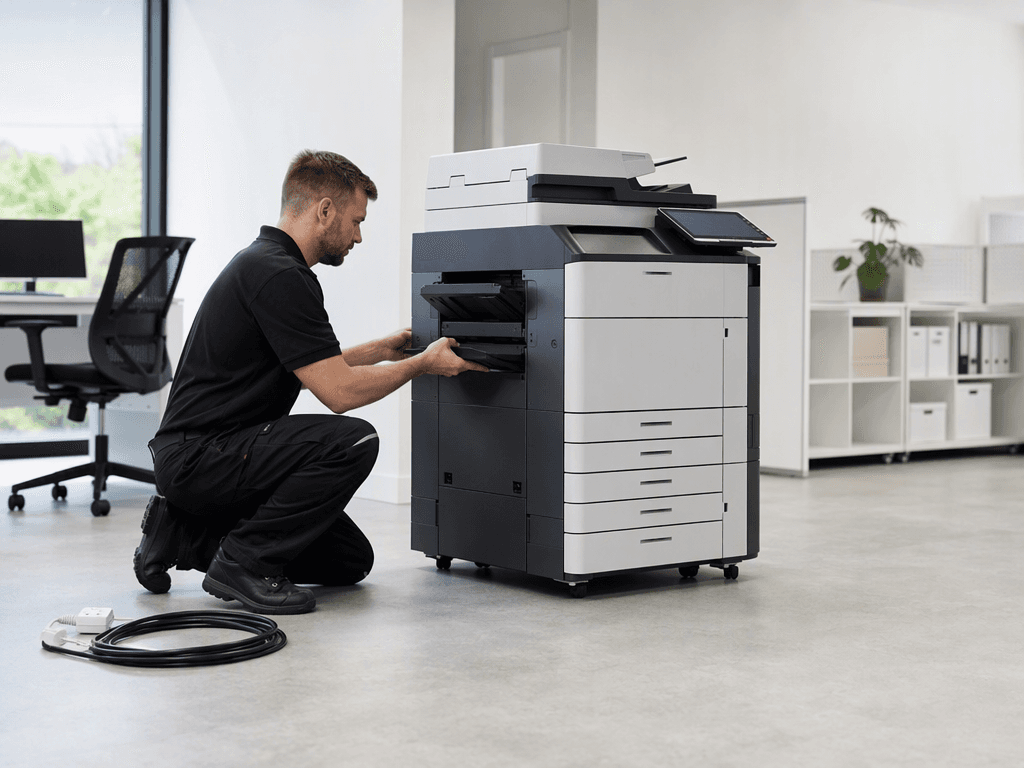
Office Equipment Installation: Your Guide to a Smooth Setup for 2026
Introduction
Upgrading your office with new photocopiers and printers is an exciting step towards enhanced productivity and efficiency. However, a smooth installation process is crucial to minimize downtime and ensure your operations continue uninterrupted. Proper preparation is key to a hassle-free setup, allowing your team to quickly leverage the full capabilities of your new devices.
Main Discussion
To ensure your office is fully prepared for new equipment installation, consider these essential steps:
- Site Assessment and Space Clearance: Before your new equipment arrives, measure the designated area for your photocopier or printer. Ensure there's adequate space not only for the machine itself (e.g., an A3 multifunction device) but also for proper ventilation, paper tray access, and technician maintenance. Clear any old equipment, clutter, or obstacles from the installation path and final placement area.
- Power and Network Requirements: Verify that your office has sufficient power outlets and network ports (Ethernet) available at the installation site. Large photocopiers and heavy-duty printers often require dedicated 220V power outlets to prevent overloads and ensure stable operation. Confirm network connectivity and have any necessary Wi-Fi credentials ready for wireless-enabled devices.
- Accessibility and Logistics Planning: Consider the pathway from the delivery truck to the final installation spot. Ensure all doorways, hallways, elevators, and stairs are wide enough and clear of obstructions for the safe transport of heavy machinery. Inform building management if special access or elevator reservations are needed, especially for large, floor-standing units.
- Initial Supplies and Consumables: Have essential supplies on hand to get your new equipment operational immediately. This includes a sufficient stock of paper (various sizes if applicable), and confirm if initial toner or ink cartridges are provided with the machine or if you need to procure them separately. Having these ready prevents delays in initial setup and testing.
- Data Backup and Security (for replacements): If you are replacing old equipment, especially multifunction devices with internal hard drives, ensure all sensitive data is securely backed up and wiped from the old machines before they are removed. Prepare any necessary network credentials or access permissions required for integrating the new devices into your existing IT infrastructure.
Why It Matters
For businesses and offices in Pakistan, time is a valuable commodity. A well-prepared installation minimizes downtime, allowing your team to maintain productivity and focus on core operations. Proper setup also contributes to the longevity and optimal performance of your equipment, which is crucial in a demanding business environment. Investing a little time in preparation upfront can save significant time and resources in the long run, ensuring your business stays competitive and efficient in 2026 and beyond.
Contact
Contact us: +92 332 2805280
Follow Us on TikTok
Check out our latest videos, product demos, and behind-the-scenes content
Follow Us on Facebook
Stay updated with our latest news and community updates