
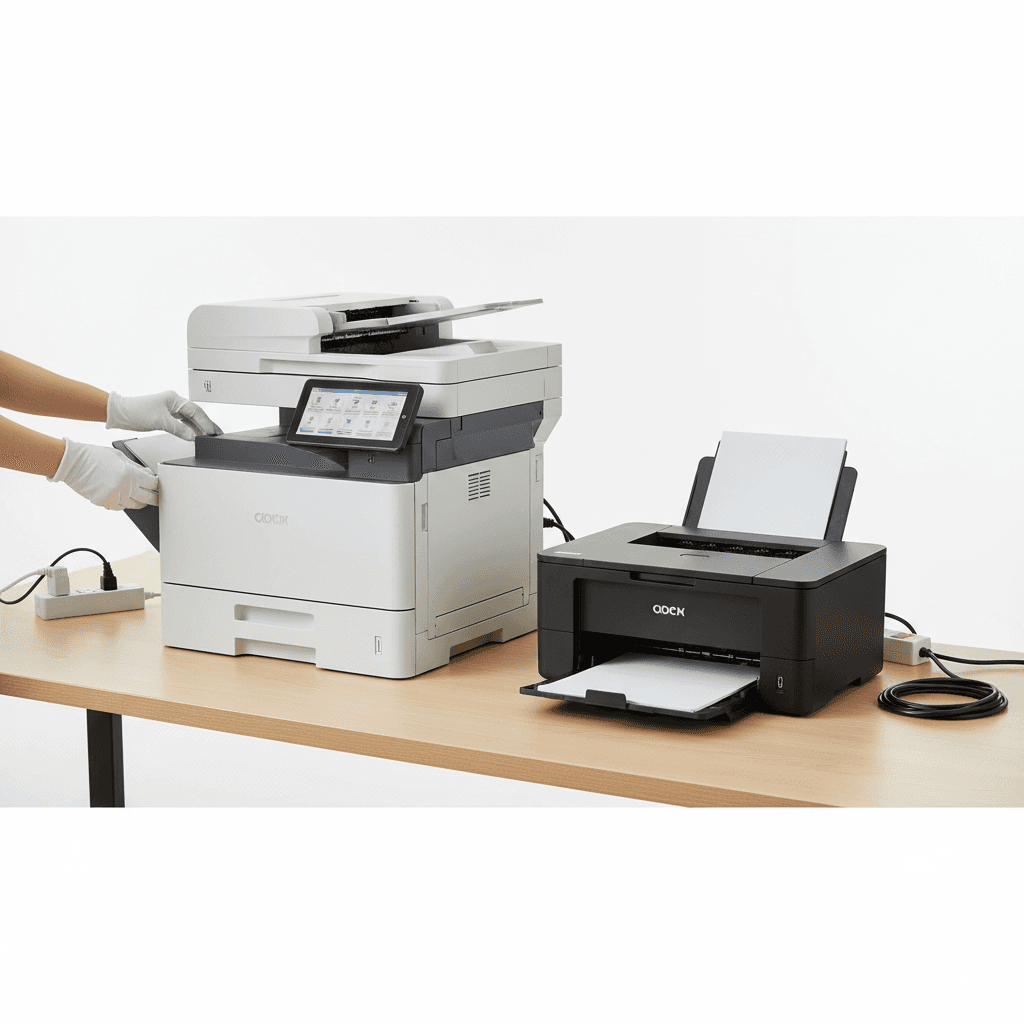
Optimal Photocopier Service Schedule: A Guide for Pakistan Offices
Introduction
In today's fast-paced business environment, a reliable photocopier is essential for smooth office operations. From printing crucial documents to scanning important records, these machines are workhorses. However, like any complex machinery, photocopiers require regular maintenance to perform optimally and avoid unexpected downtime, which can significantly impact productivity and costs.
Main Discussion
1. Consider Your Usage Volume
The frequency of servicing largely depends on how much your photocopier is used. High-volume offices, such as those in large corporations, educational institutions, or printing houses, might require servicing every 3-6 months or after a certain page count (e.g., 50,000-100,000 prints). Conversely, small businesses or home offices with lower print volumes might only need annual servicing or every 12-18 months. Monitoring your monthly print count can provide a clear indicator.
2. Machine Age and Model
Newer, advanced photocopier models often come with self-diagnostic features and might be more robust, potentially requiring less frequent intervention. However, older machines, especially those past their warranty period, tend to benefit from more regular checks to prevent age-related component failures. Always refer to the manufacturer's specific recommendations for your model, whether it's a Ricoh, Canon, Konica Minolta, or another brand.
3. Environmental Factors
The operating environment plays a crucial role. Offices located in dusty areas, near construction sites, or industrial zones in Pakistan might accumulate more dust and debris inside the machine. This can lead to issues like paper jams, poor print quality, and component wear. Such environments necessitate more frequent cleaning and servicing to maintain optimal performance. High humidity can also affect paper handling and internal components.
4. Watch for Warning Signs
Don't wait for a complete breakdown to call for service. Be proactive and look out for common warning signs. These include frequent paper jams, faded or streaky prints, unusual noises, error codes displayed on the panel, slow operation, or a burning smell. Addressing these issues promptly can prevent minor problems from escalating into costly major repairs and extend the lifespan of your photocopier.
5. Adhere to Manufacturer Recommendations
Ultimately, the most reliable guide for service frequency is the manufacturer's recommendation provided in your photocopier's user manual or service guide. These guidelines are based on extensive testing and are designed to ensure the longevity and efficiency of your specific model. Establishing a preventative maintenance schedule based on these recommendations is the best approach.
Why It Matters
For businesses and offices across Pakistan, a well-maintained photocopier translates directly into operational efficiency and cost savings. Unscheduled downtime due to a malfunctioning machine can disrupt workflows, delay critical tasks, and lead to missed deadlines, especially in sectors reliant on physical documentation. Regular servicing not only extends the lifespan of your investment but also ensures consistent print quality, reduces energy consumption, and prevents costly major repairs. In a competitive market, ensuring your office equipment is always ready is a strategic advantage.
Contact
Contact us: +92 332 2805280
Follow Us on TikTok
Check out our latest videos, product demos, and behind-the-scenes content
Follow Us on Facebook
Stay updated with our latest news and community updates