
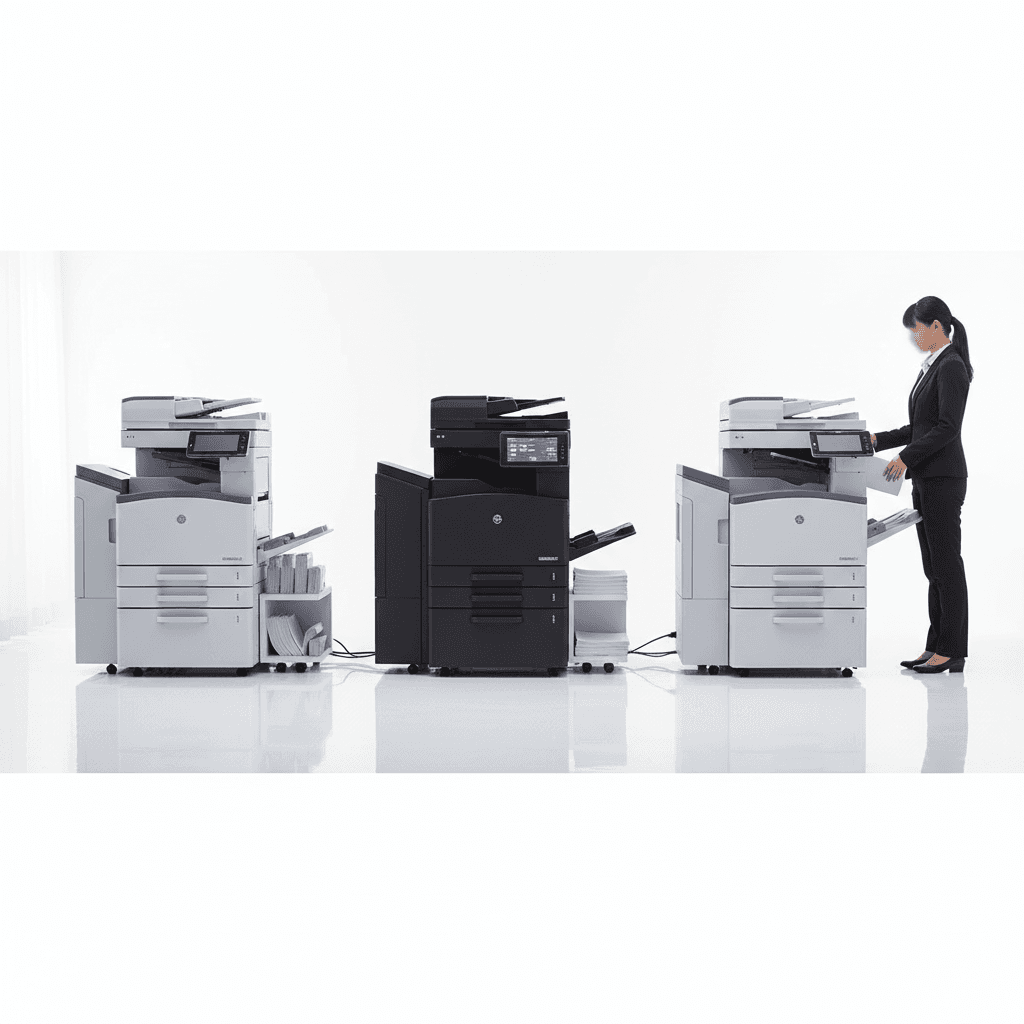
Optimizing Your Office: Ideal Photocopier Setups for High-Traffic Workspaces
Introduction
In today's fast-paced business environment, a reliable and efficient photocopier setup is crucial, especially for high-traffic workspaces. Whether it's a bustling corporate office, a busy educational institution, or a vibrant retail outlet, the demand for quick and seamless document processing is constant. This guide explores the ideal configurations to ensure your operations run smoothly, minimizing downtime and maximizing output.
Main Discussion
- High-Volume Multifunction Devices (MFDs): Invest in robust MFDs designed for heavy-duty usage. Look for models with high Pages Per Minute (PPM) output, large paper tray capacities, and durable components capable of handling thousands of prints daily. These devices consolidate printing, copying, scanning, and faxing into one efficient unit, reducing the need for multiple machines.
- Strategic Placement & Network Integration: Optimize workflow by strategically placing photocopiers in easily accessible, high-traffic zones to minimize user travel time. Ensure seamless network integration with secure Wi-Fi and Ethernet options, allowing all authorized users to print from various devices while implementing secure print release features to protect sensitive documents.
- Managed Print Services (MPS) & Toner Management: Implement a Managed Print Services program to proactively monitor device health, automate toner and supply replenishment, and manage maintenance schedules. This ensures continuous operation and prevents unexpected downtime, while using genuine toner guarantees optimal print quality and device longevity.
- Advanced Features for Efficiency: Prioritize features such as Automatic Document Feeders (ADF) for quick scanning and copying of multi-page documents, duplex printing for cost-saving double-sided prints, and finishing options like stapling or hole-punching. User authentication features can also track usage and enhance document security.
- Dedicated Scanners for Digital Workflows: For offices with exceptionally high scanning demands, consider supplementing MFDs with dedicated, high-speed document scanners. This offloads scanning tasks from the MFD, preventing bottlenecks and accelerating the digitization of documents, which is crucial for modern, paperless initiatives.
Why It Matters
For businesses and offices across Pakistan, investing in the right photocopier setup translates directly into enhanced productivity and significant cost savings. Reliable equipment reduces operational interruptions, while efficient document management streamlines workflows, crucial for meeting deadlines in competitive markets. Furthermore, choosing durable, energy-efficient models with readily available local support and genuine toner ensures long-term performance and a better return on investment, adapting to the unique demands of the Pakistani business landscape.
Contact
Contact us: +92 332 2805280
Follow Us on TikTok
Check out our latest videos, product demos, and behind-the-scenes content
Follow Us on Facebook
Stay updated with our latest news and community updates