
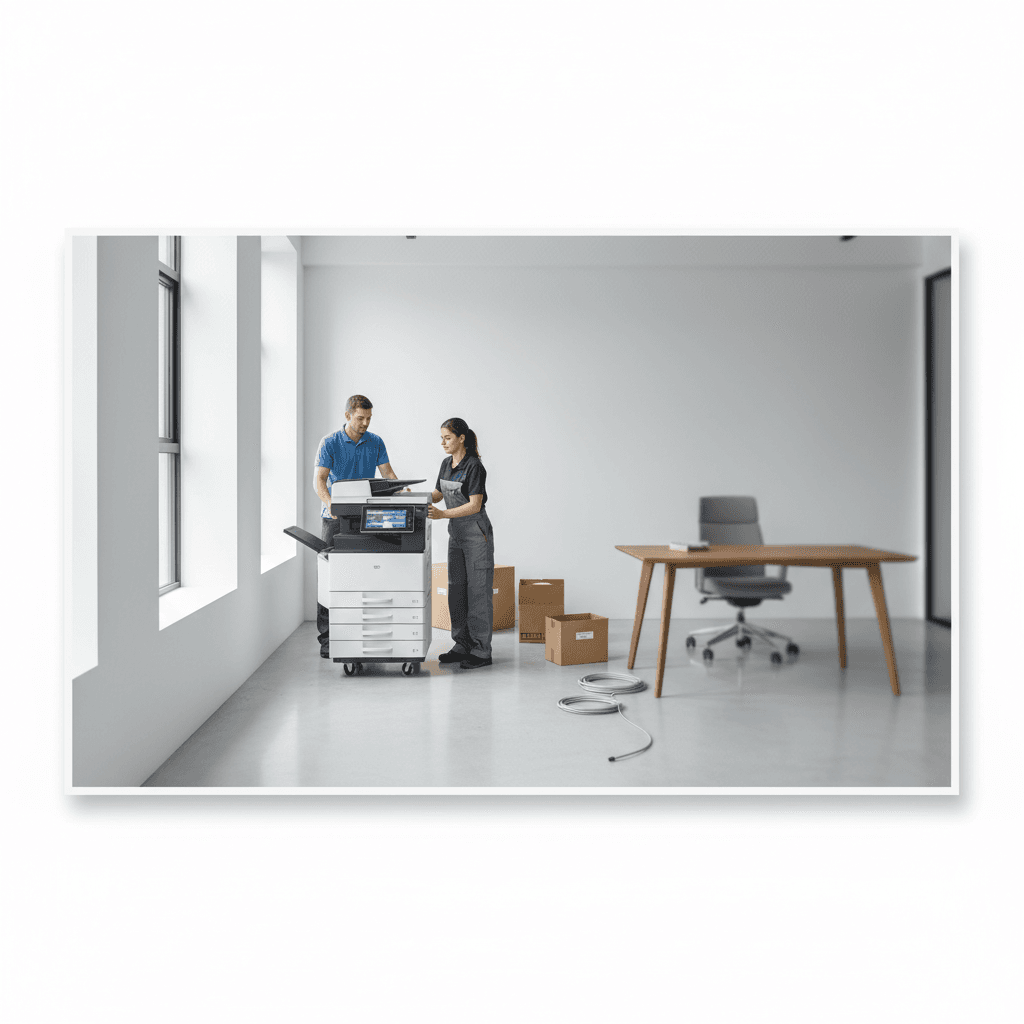
Photocopier Installation Checklist: Essential Guide for New Offices
Introduction
Setting up a new office requires meticulous planning, especially regarding IT infrastructure and document management. A photocopier is often the heart of office operations, and ensuring its proper installation is critical for long-term reliability. This guide provides a structured checklist to help businesses integrate their new printing equipment efficiently.
Main Discussion
- Space and Ventilation: Ensure the machine is placed in a well-ventilated area with at least 10-15 cm of clearance from walls to prevent overheating and allow easy access for maintenance.
- Power Requirements: Use a dedicated power outlet with a surge protector to safeguard the copier's sensitive electronic components from Pakistan's frequent voltage fluctuations.
- Network Integration: Configure stable IP addresses and ensure the local area network (LAN) or Wi-Fi signal is strong enough to support high-speed data transfer for scanning and remote printing.
- Driver and Software Setup: Install the latest manufacturer-approved drivers on all workstations and configure user authentication settings to manage printing costs and security.
- Initial Calibration and Testing: Run test prints and scans to verify color accuracy, alignment, and duplex functionality before the machine enters full-scale production.
Why It Matters
In the Pakistani business landscape, equipment downtime can lead to significant operational delays. With varying environmental conditions and power stability issues, following a standardized installation protocol ensures that expensive hardware investments are protected. Proper setup also optimizes toner consumption and reduces the frequency of emergency repair calls, which is vital for cost-sensitive local enterprises.
Contact
Contact us: +92 332 2805280
Follow Us on TikTok
Check out our latest videos, product demos, and behind-the-scenes content
Follow Us on Facebook
Stay updated with our latest news and community updates