
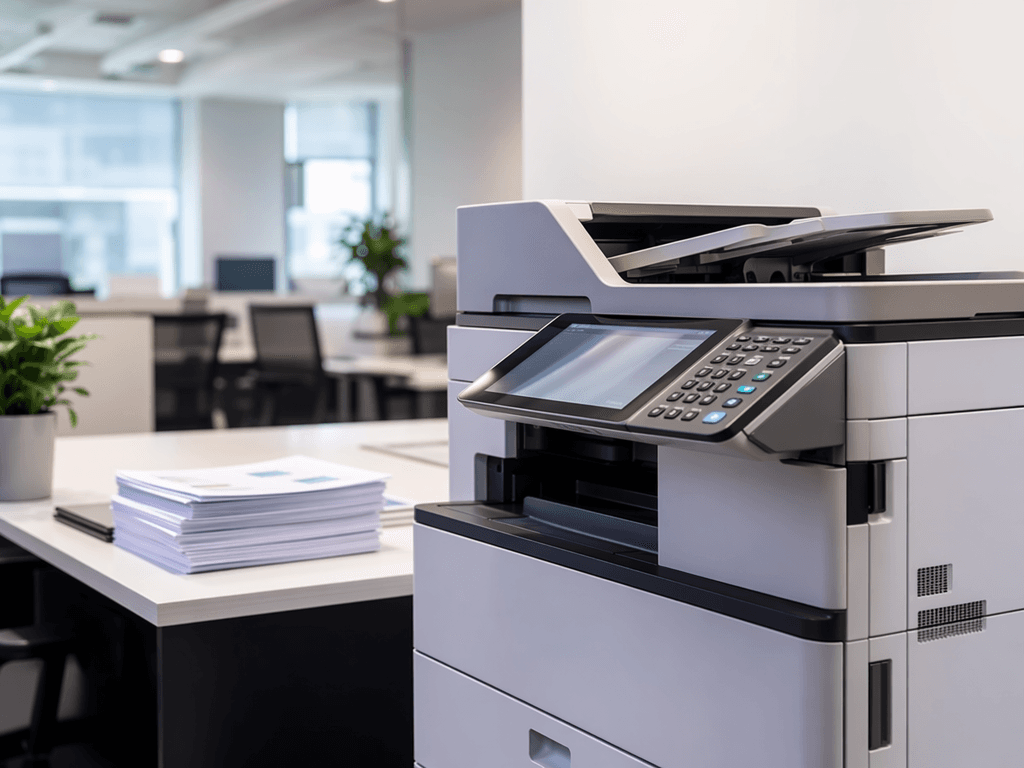
Photocopier SOP Templates: Streamline Your Office Workflow
Introduction
Efficient operation of office equipment is crucial for productivity. Standard Operating Procedures (SOPs) for photocopier usage ensure consistency, minimize errors, and prolong the life of your machines. This post explores key SOP template ideas for Pakistani businesses.
Main Discussion
- Basic Operation & Maintenance SOP: This template covers fundamental steps like powering on/off, loading paper, replacing toner cartridges, and basic troubleshooting (e.g., clearing paper jams). It should include daily checks and weekly cleaning routines to maintain optimal performance.
- Print/Copy/Scan Settings SOP: Detail standard settings for common tasks. For instance, specify default duplex printing, black & white vs. color usage policies, and recommended scan-to-email or scan-to-folder procedures. This helps manage consumables and ensures document consistency.
- Security & Access Control SOP: For sensitive documents, outline procedures for secure printing, user authentication, and proper disposal of confidential printouts. This is vital for data protection in any professional environment.
- Consumables Management SOP: Define the process for ordering and replacing toner, drums, and other consumables. Include guidelines on approved suppliers and inventory tracking to prevent stockouts and manage costs effectively.
- Reporting & Usage Tracking SOP: Implement a system for tracking machine usage, including number of copies, pages printed, and types of jobs. This data is invaluable for cost allocation, maintenance scheduling, and identifying potential equipment needs or overuse.
Why It Matters
Implementing clear SOPs for photocopier usage is essential for businesses in Pakistan to control operational costs, reduce wastage of paper and toner, and ensure a smooth workflow. Well-maintained and correctly used equipment leads to fewer breakdowns, saving valuable time and money. It also promotes a professional environment where employees understand their responsibilities regarding shared resources.
Contact
Contact us: +92 332 2805280
Follow Us on TikTok
Check out our latest videos, product demos, and behind-the-scenes content
Follow Us on Facebook
Stay updated with our latest news and community updates