
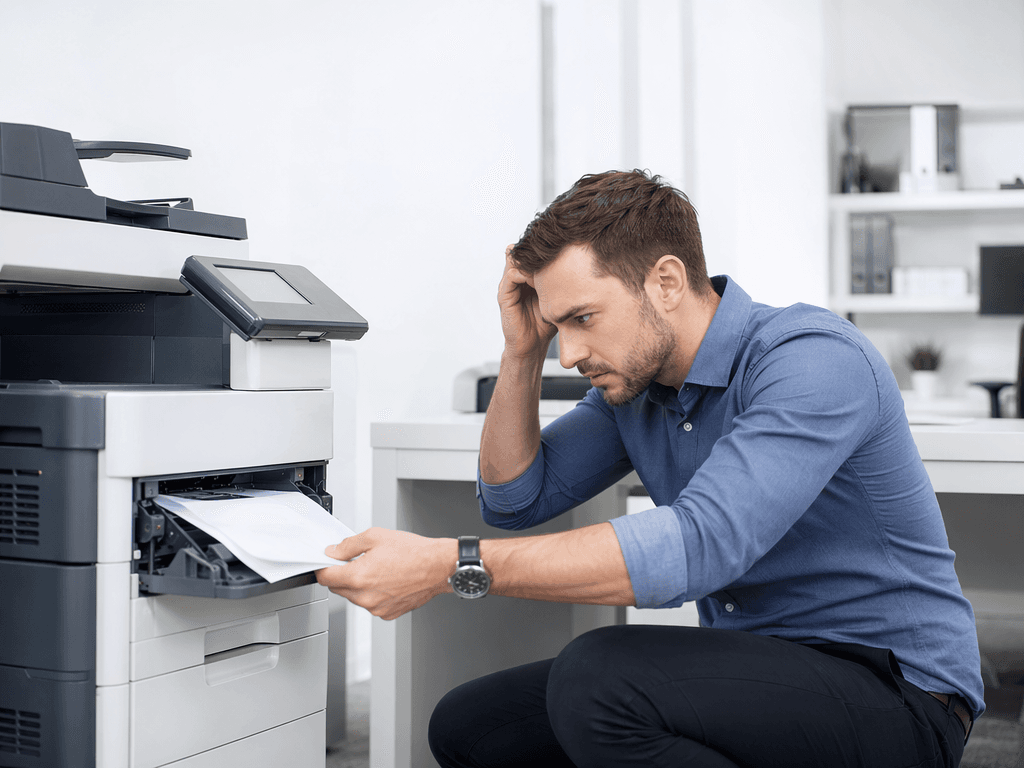
Printer Problems? Fix Them Fast! Expert Tips for Pakistan
Introduction
Printers are vital for any office in Pakistan, from small businesses to large corporations. When they malfunction, it can disrupt workflow and productivity. This guide will help you diagnose and resolve common printer problems quickly, minimizing downtime.
Main Discussion
- Paper Jams: Often caused by using the wrong paper type, overloading the tray, or feeding creased paper. To fix, carefully remove the jammed paper following the printer's internal path indicators. Ensure you use the correct paper size and weight for your specific model, and avoid overfilling the input tray. Regular cleaning of rollers can also prevent future jams.
- Connectivity Issues: Your printer might not be recognized by your computer or network. Check that USB cables are securely connected or that your Wi-Fi network is stable. For network printers, try restarting both the printer and your router. Ensure the correct printer driver is installed and updated on all connected devices.
- Poor Print Quality: Faded text, streaks, or smudged ink can be frustrating. This often indicates low ink or toner levels. Replace cartridges if they are empty. If the issue persists, run the printer's cleaning cycle or head alignment utility. For laser printers, check if the drum unit needs replacement or if toner is clumping.
- Printer Not Responding: If your printer appears offline or unresponsive, first check if it's powered on and connected. Try restarting the printer and your computer. Clear the print queue by deleting any pending print jobs. Ensure the correct printer is selected as the default in your operating system's settings.
Why It Matters
In Pakistan's dynamic business environment, consistent productivity is key. Unexpected printer downtime can lead to missed deadlines, client dissatisfaction, and lost revenue. By understanding and addressing common printer issues promptly, businesses can maintain operational efficiency, reduce repair costs, and ensure smooth day-to-day operations, especially with critical documents and reports.
Contact
Contact us: +92 332 2805280
Follow Us on TikTok
Check out our latest videos, product demos, and behind-the-scenes content
Follow Us on Facebook
Stay updated with our latest news and community updates