
Reduce Photocopier Paper Jams: A Guide for Pakistan Businesses
Introduction
Paper jams are a common nuisance in any office, disrupting workflows and costing valuable time. In Pakistan's fast-paced business environment, a reliable photocopier is crucial for productivity. Understanding the root causes of paper jams and implementing simple preventative measures can significantly enhance your office's efficiency and prolong the life of your equipment. This guide will help you keep your operations smooth and jam-free.
Main Discussion
- Use Quality Paper & Store Properly: Always use the correct paper weight and type recommended by your photocopier manufacturer. Avoid using wrinkled, torn, or damp paper. Store paper in a dry, cool environment away from humidity, as moisture can cause sheets to stick together and lead to misfeeds. Ensure paper reams are opened only when needed to minimize exposure to environmental factors.
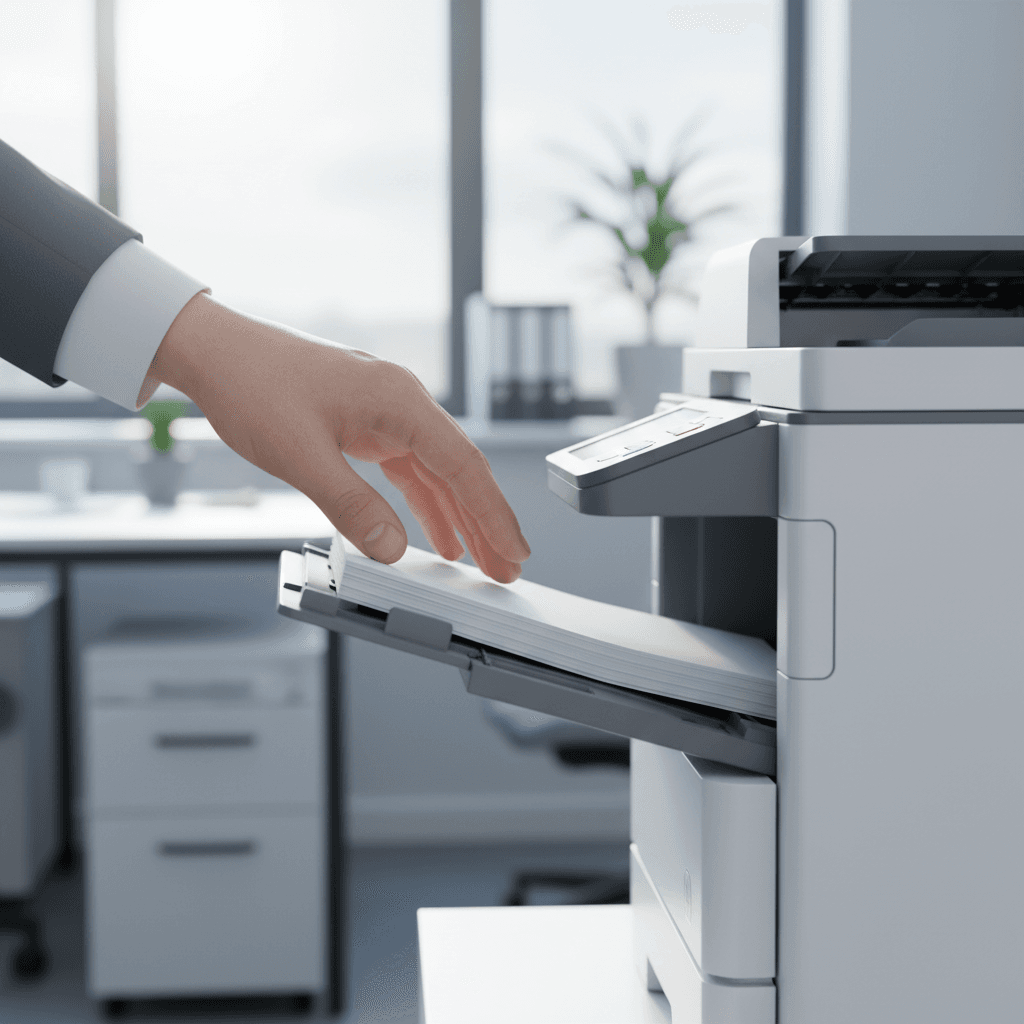
- Load Paper Correctly: Fan paper stacks before loading them into the tray to separate any clinging sheets. Do not overfill paper trays beyond their maximum capacity markers. Adjust the paper guides snugly against the stack to prevent skewing, but not so tightly that they bend the paper. Incorrect loading is a primary cause of jams.
- Regular Cleaning & Maintenance: Dust, paper dust, and toner residue can accumulate in the paper path, causing friction and jams. Regularly clean the paper feed rollers with a lint-free cloth and a recommended cleaning solution. Periodically check for and remove any small debris like staples or paper clips that might have fallen into the machine. Schedule routine professional servicing to ensure all internal components are functioning optimally.
- Check for Worn Parts: Over time, components like feed rollers and separation pads can wear out, losing their grip or ability to separate individual sheets effectively. If you notice an increase in jams, especially at the start of the paper path, inspect these parts for signs of wear (e.g., smooth or hardened surfaces). Worn parts should be replaced promptly by a qualified technician.
- Understand Error Codes & User Manual: Modern photocopiers display error codes that can pinpoint the exact location and nature of a jam. Familiarize yourself with your machine's user manual to understand these codes and follow the recommended steps for clearing jams safely and effectively. Attempting to force paper out can damage internal mechanisms.
Why It Matters
In Pakistan, where businesses often operate on tight schedules and budgets, every minute of downtime due to equipment malfunction impacts profitability. Preventing paper jams ensures uninterrupted workflow, reduces maintenance costs, and extends the lifespan of expensive photocopiers and printers. This directly translates to improved operational efficiency and a better return on investment for businesses across Karachi, Lahore, Islamabad, and beyond. Reliable equipment is key to maintaining productivity in a competitive market.
Contact
Contact us: +92 332 2805280
Follow Us on TikTok
Check out our latest videos, product demos, and behind-the-scenes content
Follow Us on Facebook
Stay updated with our latest news and community updates