
Scan to Email & Network Folders: Photocopier Features
Introduction
In today's fast-paced business environment, efficient document management is crucial. Modern photocopiers offer advanced features that go beyond simple copying, with scanning to email and network folders being among the most valuable. This functionality can significantly enhance productivity and streamline your office operations.
Main Discussion
-
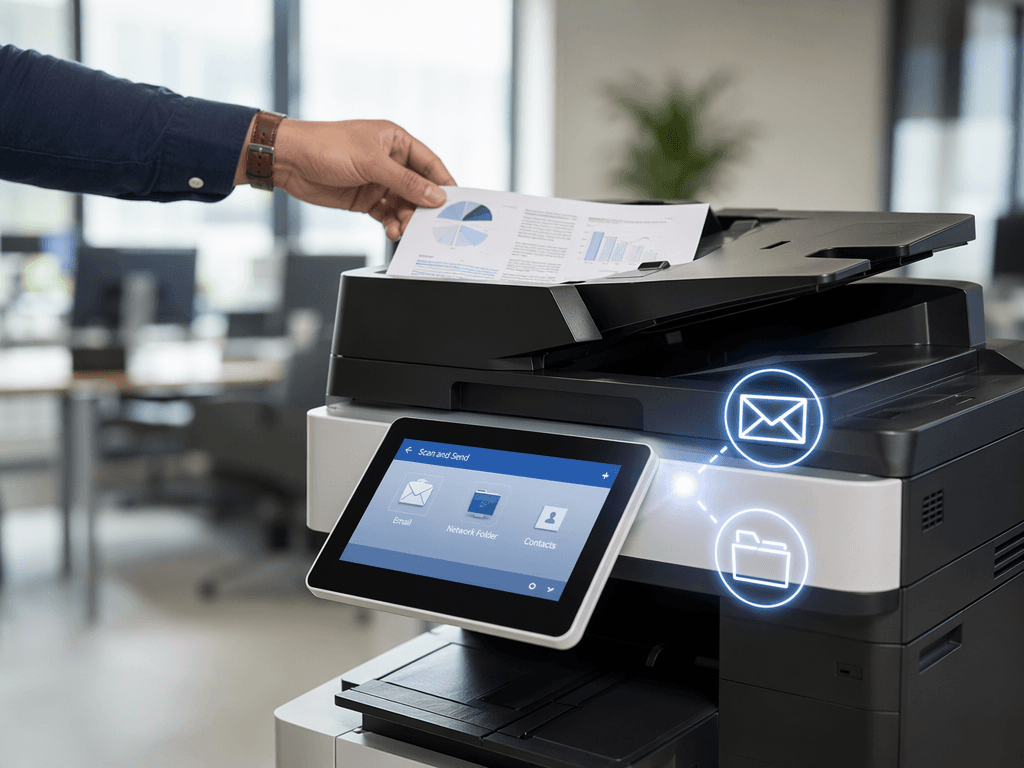
Scan to Email Functionality: Most advanced photocopiers and multifunction printers (MFPs) allow users to scan documents and send them directly as email attachments. This eliminates the need for intermediate steps like scanning to a USB drive and then manually attaching the file to an email. Simply place your document on the glass or in the document feeder, select the 'Scan to Email' option, enter the recipient's address, and send.
-
Scanning to Network Folders: For enhanced collaboration and document archiving, scanning directly to network folders (like shared drives on a server or cloud storage) is a powerful feature. This allows multiple users to access scanned documents easily from their workstations, ensuring better organization and retrieval. It's ideal for digitizing invoices, contracts, or project documents.
-
Workflow Automation: Integrating these scanning features into your daily workflow can automate repetitive tasks. Instead of manually scanning, saving, and distributing documents, the photocopier handles it in one go. This saves valuable time for your staff, allowing them to focus on more critical business functions.
-
Security and Accessibility: Scanning to secure network folders or password-protected email accounts adds a layer of security to your sensitive documents. Furthermore, it makes documents accessible from various devices, promoting a more flexible and mobile work environment.
Why It Matters
For businesses and offices across Pakistan, leveraging these photocopier scanning features translates directly into increased efficiency and reduced operational costs. Streamlining document distribution and archiving means less time spent on manual processes and more time dedicated to serving clients and growing your business. Investing in a photocopier with these capabilities is an investment in your company's productivity and competitiveness in the Pakistani market.
Contact
Contact us: +92 332 2805280
Follow Us on TikTok
Check out our latest videos, product demos, and behind-the-scenes content
Follow Us on Facebook
Stay updated with our latest news and community updates