
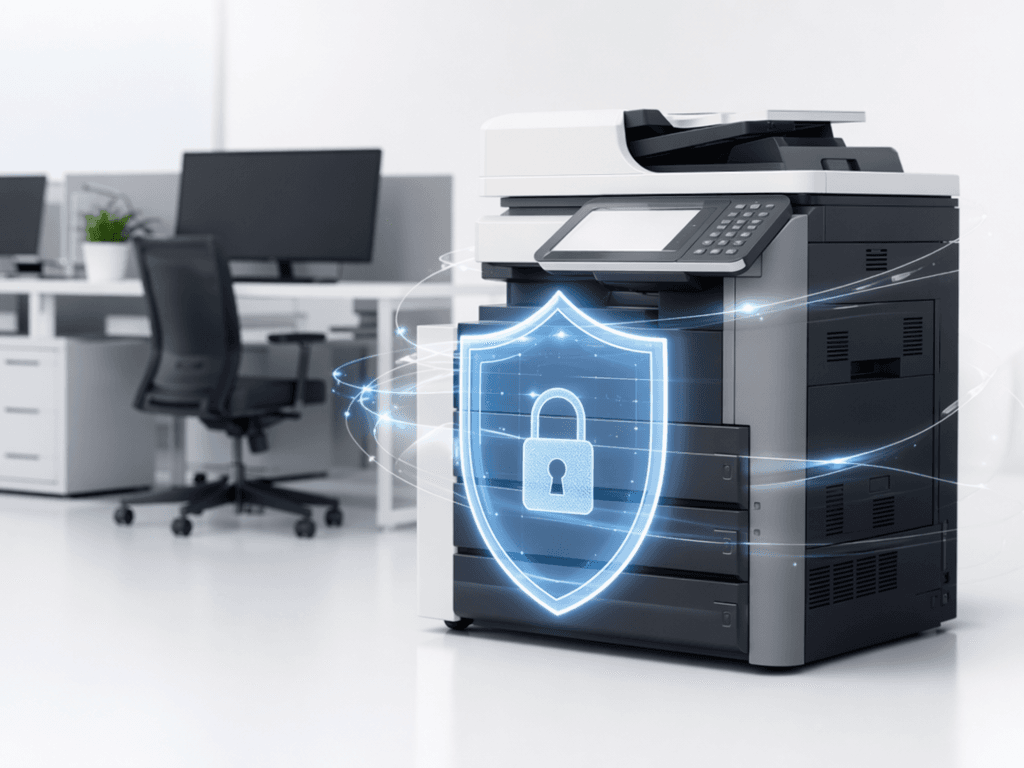
Secure Your Business Data: Essential Printer Security Tips for 2026
Introduction
Printers and photocopiers are often overlooked in cybersecurity strategies, yet they can be significant vulnerabilities. In today's digital landscape, where data breaches are increasingly common, securing every network endpoint is paramount. This blog post outlines essential printer security tips to help Pakistani businesses protect their sensitive information from unauthorized access and cyber threats.
Main Discussion
- Network Isolation & Access Control: Connect printers to a segmented network, separate from critical data servers. Implement strong authentication (PINs, card readers) for sensitive print jobs on shared photocopiers, ensuring only authorized personnel can retrieve documents. For instance, a finance department's multi-function device should require user login before printing confidential reports.
- Regular Firmware Updates: Manufacturers frequently release firmware updates to patch security vulnerabilities. Neglecting these updates leaves devices susceptible to exploits. Businesses should establish a routine schedule to update the firmware on all networked printers and photocopiers, similar to how they update server operating systems, to defend against emerging threats.
- Secure Data Eradication: Modern photocopiers and multi-function printers (MFPs) store copies of scanned, printed, and faxed documents on their internal hard drives. Implement secure data overwrite features (e.g., DoD 5220.22-M or NIST 800-88 compliant methods) to automatically erase data after jobs or before device disposal, preventing data recovery by unauthorized parties.
- Enable Encryption & Secure Protocols: Configure printers to use encrypted communication protocols like HTTPS, SNMPv3, and IPsec for network traffic. This encrypts data as it travels between workstations and the printer, preventing eavesdropping. Also, ensure secure print release functions are enabled, where documents are held until the user authenticates at the device.
- Physical Security & Auditing: Position printers in secure areas to prevent unauthorized physical access. Implement audit logging on devices to track who prints what, when, and from where. Regularly review these logs to identify suspicious activity, which can be crucial for compliance and forensic investigations, especially for businesses handling client data in Pakistan.
Why It Matters
For businesses and offices in Pakistan, data protection is not just about compliance; it's about maintaining trust, preventing financial loss, and safeguarding intellectual property. A single data breach originating from an unsecured printer can lead to significant reputational damage, legal ramifications, and operational disruptions. Implementing robust printer security measures is a proactive step towards building a resilient cybersecurity posture, crucial for thriving in Pakistan's competitive business environment.
Contact
Contact us: +92 332 2805280
Follow Us on TikTok
Check out our latest videos, product demos, and behind-the-scenes content
Follow Us on Facebook
Stay updated with our latest news and community updates