
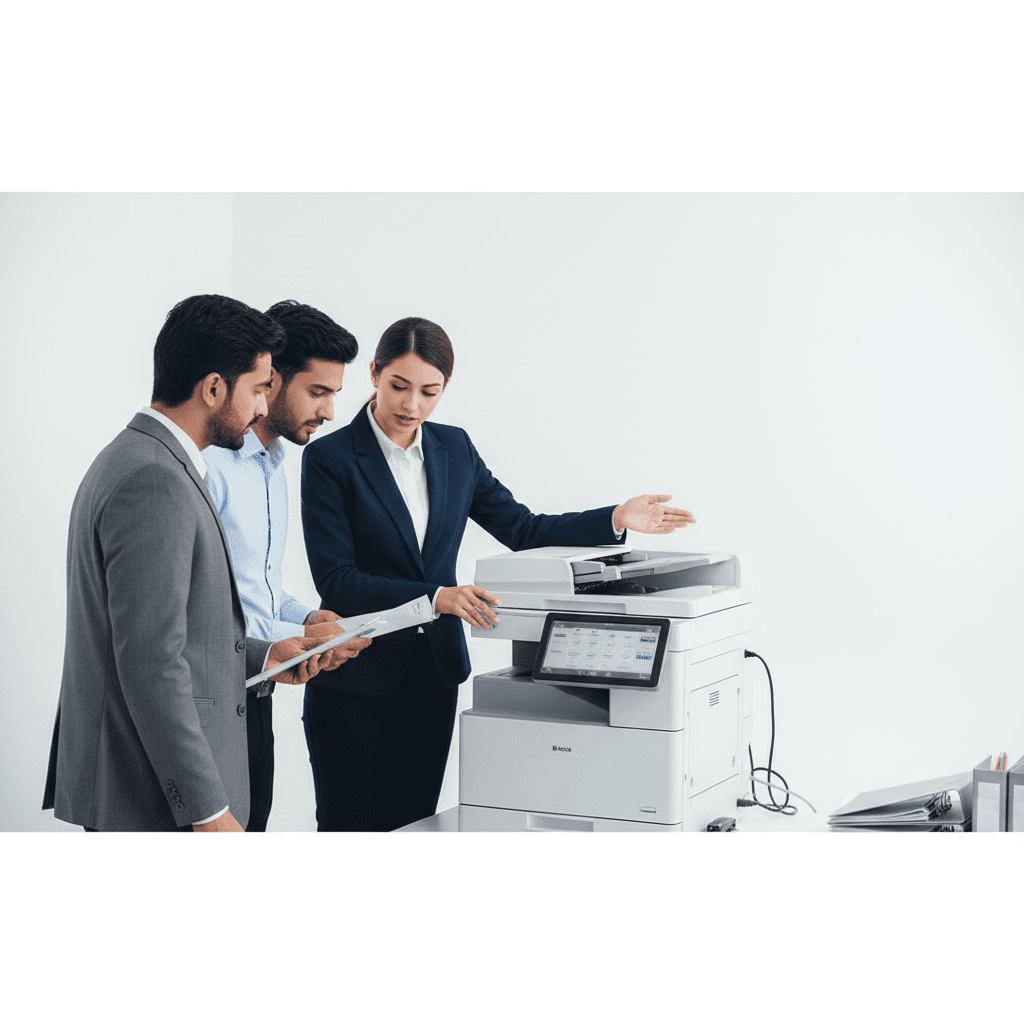
Staff Photocopier Training: Boost Efficiency & Save Costs in 2026
Introduction
In today's fast-paced business environment, efficient document management is crucial. Photocopiers and multifunction printers are indispensable tools, yet improper usage can lead to costly repairs, wasted supplies, and significant downtime. Investing in proper staff training for these essential machines is not just a best practice; it's a strategic move to enhance productivity and reduce operational expenses for your business in 2026.
Main Discussion
Effective staff training on photocopiers covers a range of functionalities, ensuring seamless operation and maximizing machine lifespan.
- 1. Mastering Basic Operations & Safety: Start with the fundamentals. Train staff on how to properly power on/off the machine, load various paper sizes and types (A4, legal, envelopes), and perform basic copying tasks. Emphasize safety protocols, such as never forcing paper trays or touching hot components. Understanding error codes for common issues like paper jams and empty trays is also vital for quick resolution.
- 2. Utilizing Advanced Features for Efficiency: Modern photocopiers offer more than just copying. Educate your team on advanced features like duplex printing/copying (two-sided), scanning to email or network folders, stapling, hole-punching, and sorting. Highlight how these features can streamline workflows, reduce paper consumption, and improve document organization, directly impacting office efficiency.
- 3. Routine Maintenance & Troubleshooting: Empower staff with basic troubleshooting skills. This includes knowing how to clear minor paper jams safely, replacing toner cartridges correctly, and identifying when a service call is necessary. Regular cleaning of scanner glass and exterior surfaces should also be part of the training to maintain print quality and hygiene.
- 4. Cost-Saving & Security Best Practices: Implement best practices for cost control and data security. Train staff on using eco-friendly settings (draft mode, sleep mode), understanding print quotas (if applicable), and utilizing secure print features for confidential documents. Emphasize the importance of logging out after use and disposing of sensitive information securely, especially relevant for businesses handling client data.
- 5. Digital Integration & Software Drivers: For networked multifunction devices, training should extend to software integration. Show staff how to install and update printer drivers, connect to network shares for scanning, and utilize mobile printing solutions. Understanding these digital aspects ensures staff can fully leverage the machine's capabilities within your existing IT infrastructure.
Why It Matters
For businesses and offices across Pakistan, proper photocopier training translates directly into tangible benefits. It significantly reduces operational costs by minimizing paper and toner waste, preventing unnecessary service calls due to misuse, and extending the lifespan of expensive equipment. Enhanced staff proficiency leads to higher productivity, fewer workflow interruptions, and better document security, which is paramount in today's competitive landscape. Investing in this training ensures your office runs smoothly, efficiently, and cost-effectively, safeguarding your resources and reputation.
Contact
Contact us: +92 332 2805280
Follow Us on TikTok
Check out our latest videos, product demos, and behind-the-scenes content
Follow Us on Facebook
Stay updated with our latest news and community updates