
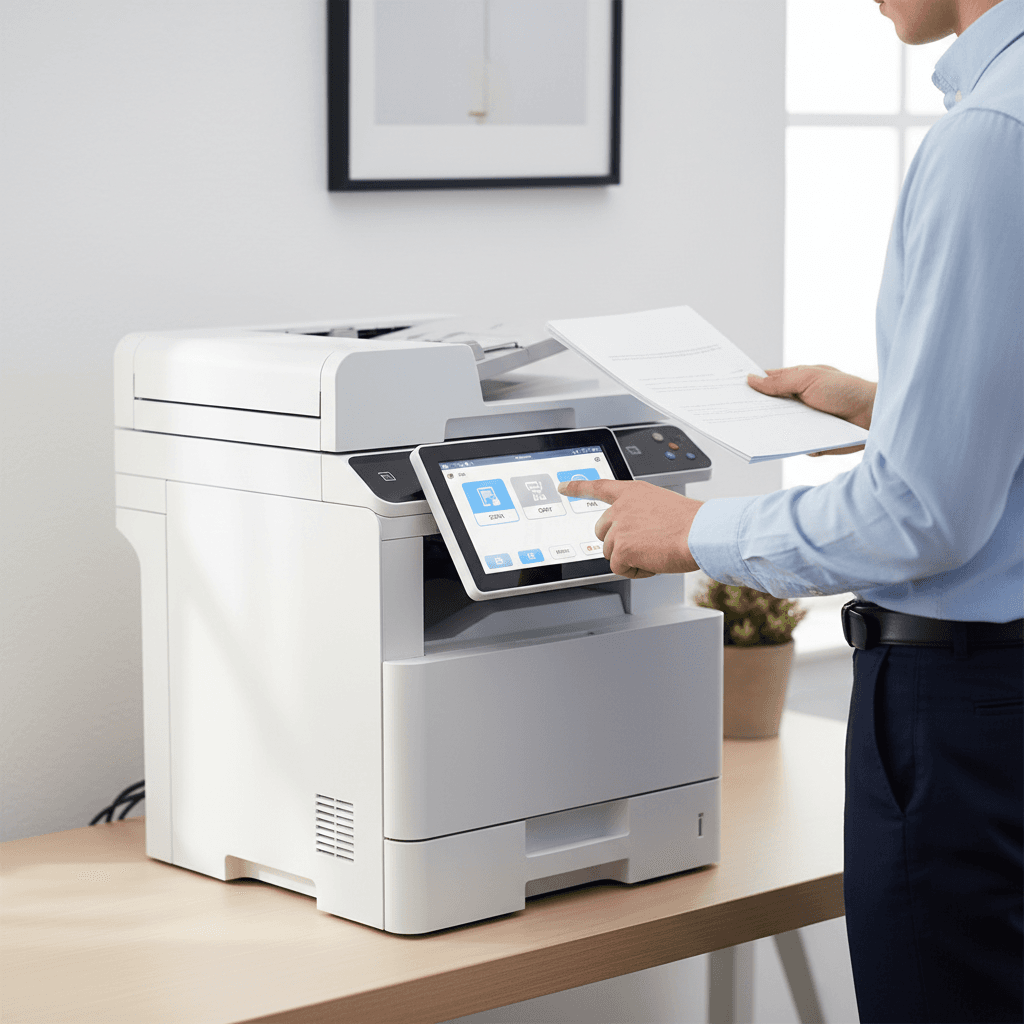
Unlock Efficiency: A Guide to Multifunction Photocopier Scanning Features
Introduction
In today's fast-paced business environment, efficient document management is crucial. Multifunction photocopiers are more than just printing devices; their advanced scanning features can revolutionize how your Pakistani office handles information. Understanding these capabilities can significantly boost productivity and streamline workflows.
Main Discussion
- Scan to Email: This fundamental feature allows users to directly scan documents and send them as email attachments. Ideal for quick sharing of invoices, contracts, or reports, it eliminates the need to scan to a computer first, saving valuable time and paper. Most modern photocopiers support integration with popular email servers.
- Scan to Network Folder (SMB/FTP): For centralized document storage and collaborative work, scanning directly to a shared network folder or an FTP server is invaluable. This ensures all team members have access to the latest versions of documents, enhancing data security and organization. Configure your photocopier with the correct network path and credentials.
- Scan to USB Drive: When network access isn't available or for quick personal document transfers, many photocopiers offer a USB port for direct scanning. Simply insert a USB drive, select the 'Scan to USB' option, and save your documents in various formats like PDF or JPEG. This is convenient for mobile users or temporary setups.
- Optical Character Recognition (OCR): Beyond simple image capture, OCR technology transforms scanned images of text into editable and searchable digital files. This is a game-changer for data entry, archiving, and making physical documents accessible for text searches. Many high-end multifunction devices include built-in OCR capabilities, allowing you to convert scanned PDFs into searchable PDFs or editable Word documents.
- Duplex Scanning (Automatic Document Feeder - ADF): For scanning multi-page documents, especially double-sided ones, the Automatic Document Feeder (ADF) with duplex scanning functionality is essential. It automatically feeds and scans both sides of a document in a single pass, drastically reducing manual effort and speeding up the digitization process for large batches of paperwork.
Why It Matters
For businesses and offices across Pakistan, leveraging these scanning features translates directly into improved operational efficiency, reduced paper consumption, and enhanced data security. From small startups in Karachi to large corporations in Lahore, digitizing documents simplifies archiving, speeds up information retrieval, and supports remote work initiatives. Investing in a multifunction photocopier with robust scanning capabilities is an investment in your organization's future productivity and sustainability in 2026.
Contact
Contact us: +92 332 2805280
Follow Us on TikTok
Check out our latest videos, product demos, and behind-the-scenes content
Follow Us on Facebook
Stay updated with our latest news and community updates