
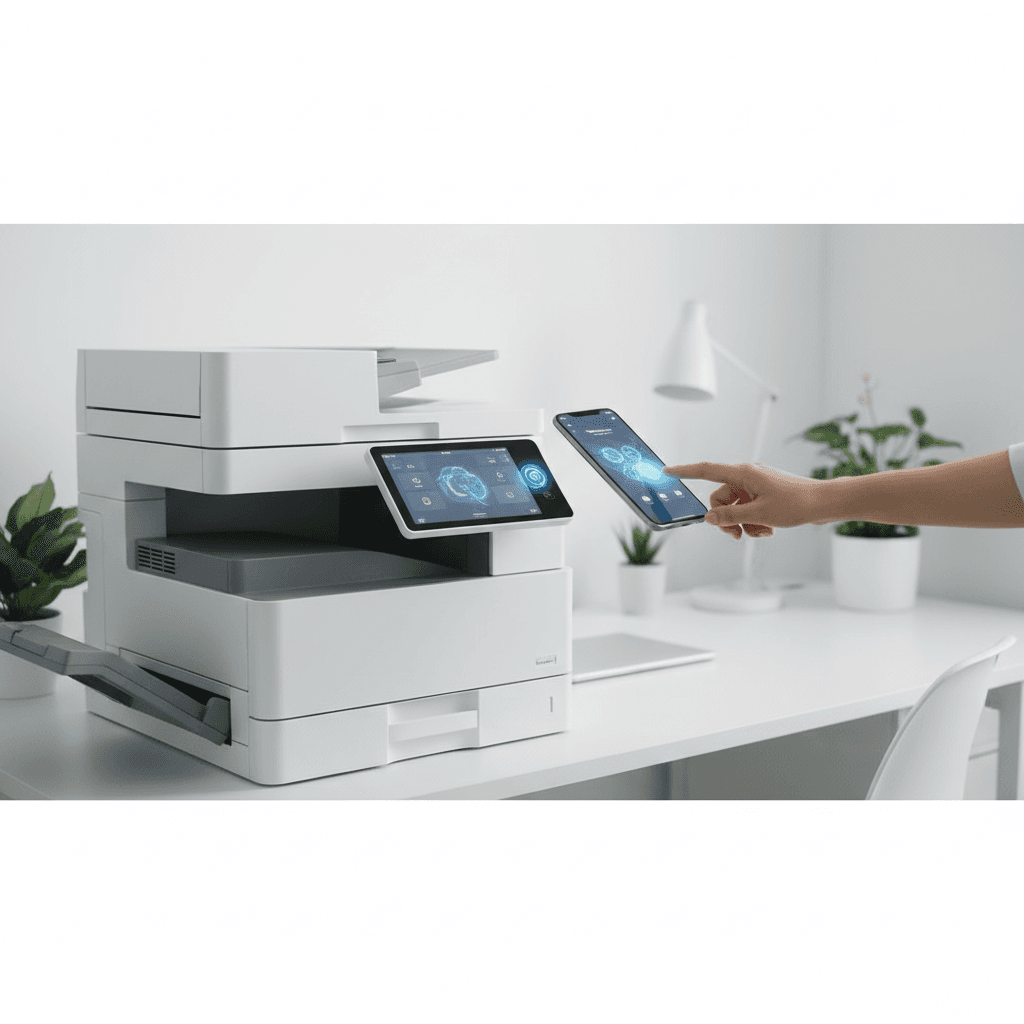
Using NFC Printers for Quick Connections: A Guide for Modern Offices
Introduction
Near Field Communication (NFC) technology has revolutionized how mobile devices interact with office hardware. By eliminating complex network configurations, NFC printers allow users to print documents with a simple tap. This technology is becoming a standard feature in modern multi-function printers used across various industries to streamline document management.
Main Discussion
- Seamless Mobile Integration: Users can connect their smartphones or tablets to the printer without searching for network IDs or entering passwords, facilitating instant document transfer via dedicated apps.
- Enhanced Security Protocols: NFC provides a secure method for user authentication, ensuring that sensitive documents are only released and printed when the authorized user is physically present at the machine.
- Reduced IT Troubleshooting: Since the connection is direct and hardware-based, it reduces the burden on IT departments to manage wireless driver installations and network connectivity issues for guest users or temporary staff.
- Support for Diverse File Formats: Modern NFC-enabled copiers from leading brands support direct printing of PDFs, JPEGs, and Microsoft Office documents directly from mobile interfaces without needing a PC intermediary.
Why It Matters
In the fast-paced business environment of Pakistan, efficiency is key to maintaining a competitive edge. Local offices often deal with fluctuating network stability; NFC provides a reliable alternative that bypasses local Wi-Fi issues for urgent tasks. Furthermore, as more professionals in cities like Karachi, Lahore, and Islamabad move toward mobile-first workflows, having tap-to-print capabilities ensures that office hardware remains compatible with modern working habits and increases overall daily output.
Contact
Contact us: +92 332 2805280
Follow Us on TikTok
Check out our latest videos, product demos, and behind-the-scenes content
Follow Us on Facebook
Stay updated with our latest news and community updates