
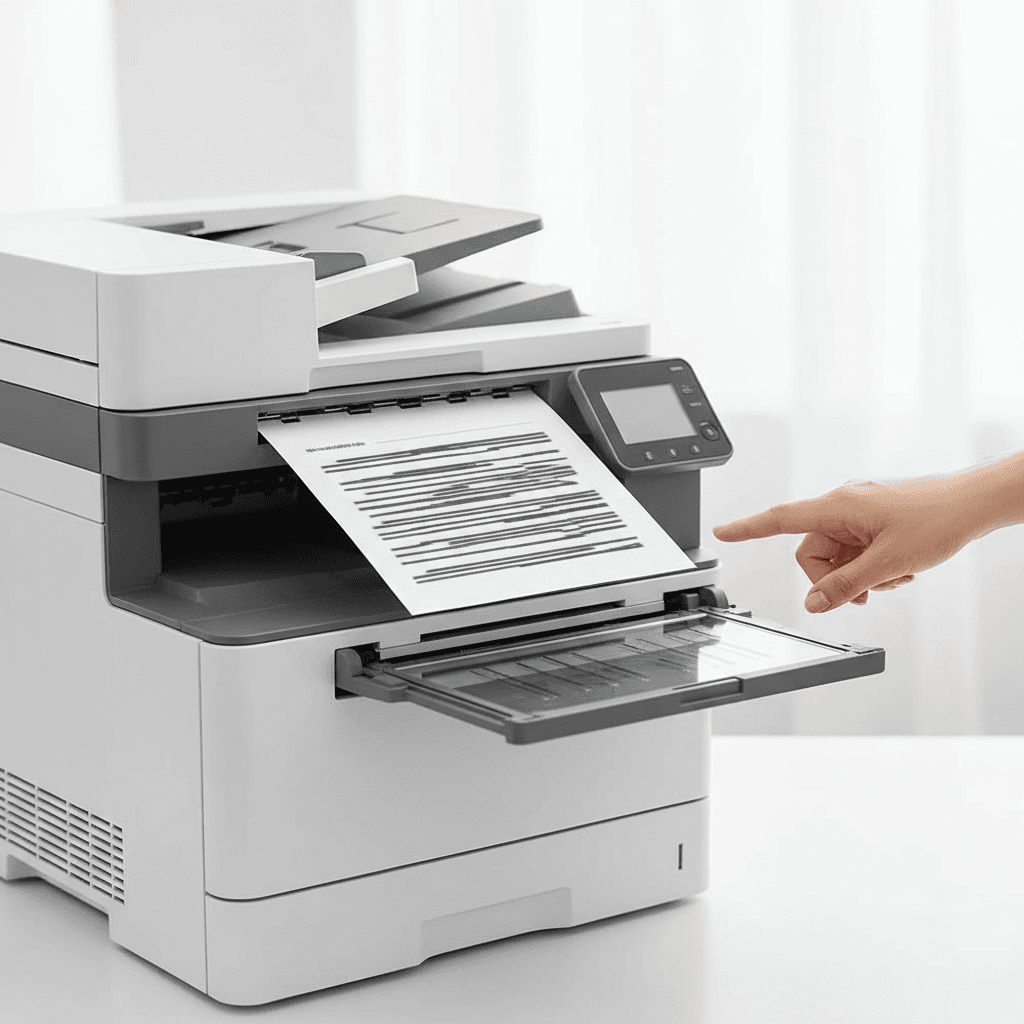
Why Your Photocopier Produces Lines & Streaks: A Guide for Pakistan Businesses
Introduction
Few things are as frustrating in a busy office as a photocopier that consistently produces documents marred with unsightly lines or streaks. This common issue not only wastes paper and toner but also undermines the professionalism of your business communications. Understanding the root causes is the first step towards resolving these printing woes and ensuring your office equipment performs optimally.
Main Discussion
Several components within your photocopier work in concert, and a fault in any one can lead to print quality issues. Here are the most common culprits behind lines and streaks on your pages:
-
Worn or Damaged Drum Unit: The drum unit (or imaging unit) is crucial for transferring the image onto the paper. Over time, the drum's sensitive surface can become scratched, dirty, or simply wear out. These imperfections are then directly replicated as lines or streaks on every copy. If the lines are consistent in appearance and location, a failing drum unit is often the primary suspect.
-
Faulty Toner Cartridge or Developer Unit: Low toner levels can sometimes lead to uneven distribution, causing faded streaks. More often, a faulty toner cartridge itself, perhaps with clumping toner or a minor leak, can deposit excess toner in unwanted areas. In some machines, a worn-out developer unit, responsible for carrying toner to the drum, can also cause streaking by failing to evenly apply the toner.
-
Dirty Scanner Glass or Mirrors: This is a surprisingly common and often overlooked cause. If the glass platen where you place your originals, or the internal mirrors and lenses used for scanning, are dirty, smudged, or scratched, these imperfections will be faithfully reproduced as lines or streaks on your copies. A simple clean with a lint-free cloth can often resolve this issue.
-
Fuser Assembly Problems: The fuser's role is to melt and press the toner onto the paper, making the print permanent. If the fuser rollers are damaged, dirty, or have toner buildup, they can leave streaks or smudges on the page as the paper passes through. Incomplete fusing can also result in toner easily rubbing off, appearing as faded streaks.
-
Contaminated Transfer Belt or Rollers: In colour photocopiers, the transfer belt moves the paper and helps transfer toner from the drum to the paper. If this belt or its associated rollers become dirty with toner dust or paper debris, they can cause repeating lines or ghosting on the printed output. Regular cleaning or replacement of these components might be necessary.
Why It Matters
For businesses and offices across Pakistan, clear, professional documents are paramount. Streaky or lined prints project an unprofessional image to clients, partners, and stakeholders, potentially impacting your credibility. Furthermore, repeated reprinting due to poor quality wastes valuable time, paper, and expensive toner, directly affecting your operational budget. Proactive maintenance and timely resolution of these issues ensure your office runs efficiently, maintains a professional appearance, and avoids unnecessary costs.
Contact
Contact us: +92 332 2805280
Follow Us on TikTok
Check out our latest videos, product demos, and behind-the-scenes content
Follow Us on Facebook
Stay updated with our latest news and community updates